Best Photo Editing Software for Business 2026 Guide

Introduction
In today's digital marketplace, visual content drives business success. Whether you're posting on social media, updating your website, or creating marketing materials, high-quality images are non-negotiable.
But many business owners struggle with a common problem: professional design work is expensive, time-consuming, and often requires hiring external help. The solution? Best photo editing software for business that puts professional-grade tools in your hands without the steep learning curve or massive budget.
This comprehensive guide examines the top photo editing solutions available in 2026, helping you choose the right tool based on your business size, budget, and specific needs.
Why Businesses Need Professional Photo Editing Software
Gone are the days when basic smartphone edits could carry your brand's visual identity.
Modern consumers expect polished, professional imagery across all touchpoints. A study by Adobe shows that businesses using high-quality visuals see 94% more views than those that don't.
Here's why investing in professional photo editing tools matters:
-
Brand Consistency: Maintain uniform colors, styles, and quality across all marketing channels. Your Instagram posts should match your website aesthetic, which should align with your email campaigns.
-
Cost Efficiency: Hiring freelance designers for every image edit quickly becomes expensive. Quality software pays for itself within months by reducing outsourcing costs.
-
Speed to Market: When you can edit images in-house, you eliminate back-and-forth communication delays. Launch campaigns faster and respond to trends immediately.
-
Competitive Advantage: In crowded markets, superior visual content helps you stand out. Professional edits signal quality and attention to detail.
-
Marketing Performance: Better images directly impact conversion rates. Product photos with professional edits can increase sales by up to 30% for e-commerce businesses.

Key Features to Look for in Photo Editing Software for Business
Not every editing tool is the same, especially for business needs. When choosing image editing software for marketing, these features should be your top priority:
-
Batch Processing: Editing many images at the same time helps save both time and effort. This feature is especially useful for e-commerce businesses uploading product photos and marketing teams preparing visuals for campaigns.
-
Brand Kit Integration: Keeping your brand colors, fonts, and logos in one place makes work easier. It helps maintain consistency without doing everything manually.
-
Cloud Storage and Collaboration: Team members should be able to access files from anywhere. Real-time collaboration also helps avoid confusion and version issues.
-
Template Libraries: Ready-to-use templates make it faster to create social media posts, ads, and promotional designs.
-
Export Options: Different platforms need different file sizes and formats. Your software should allow exports that are optimized for web, print, and social media.
-
Learning Resources: Most business users are not designers. Tools with tutorials, good customer support, and active communities are easier to learn and use.
-
Licensing Clarity: Commercial usage rights should be clearly mentioned. Avoid tools with unclear licensing, as they can cause legal problems later.
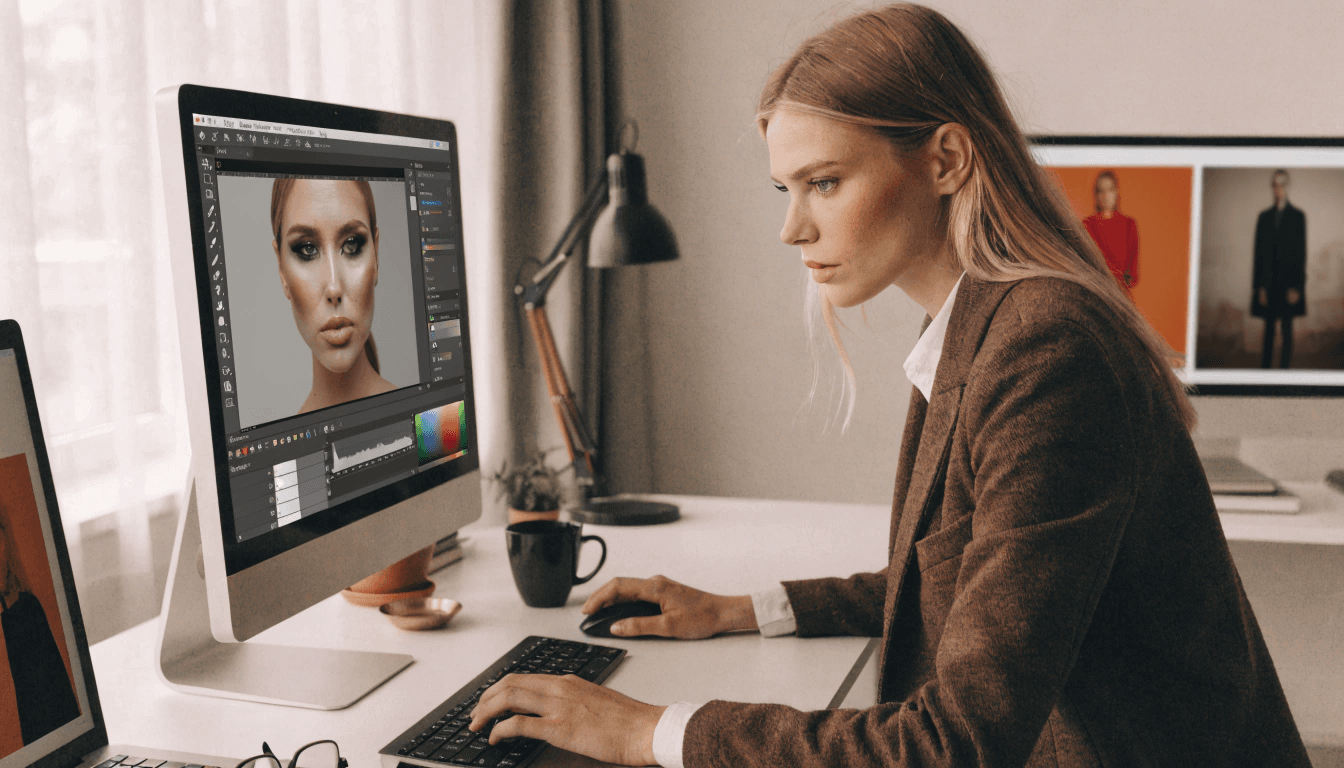
Best Photo Editing Software for Business: Detailed Comparison
Let's examine the leading solutions available in 2026.
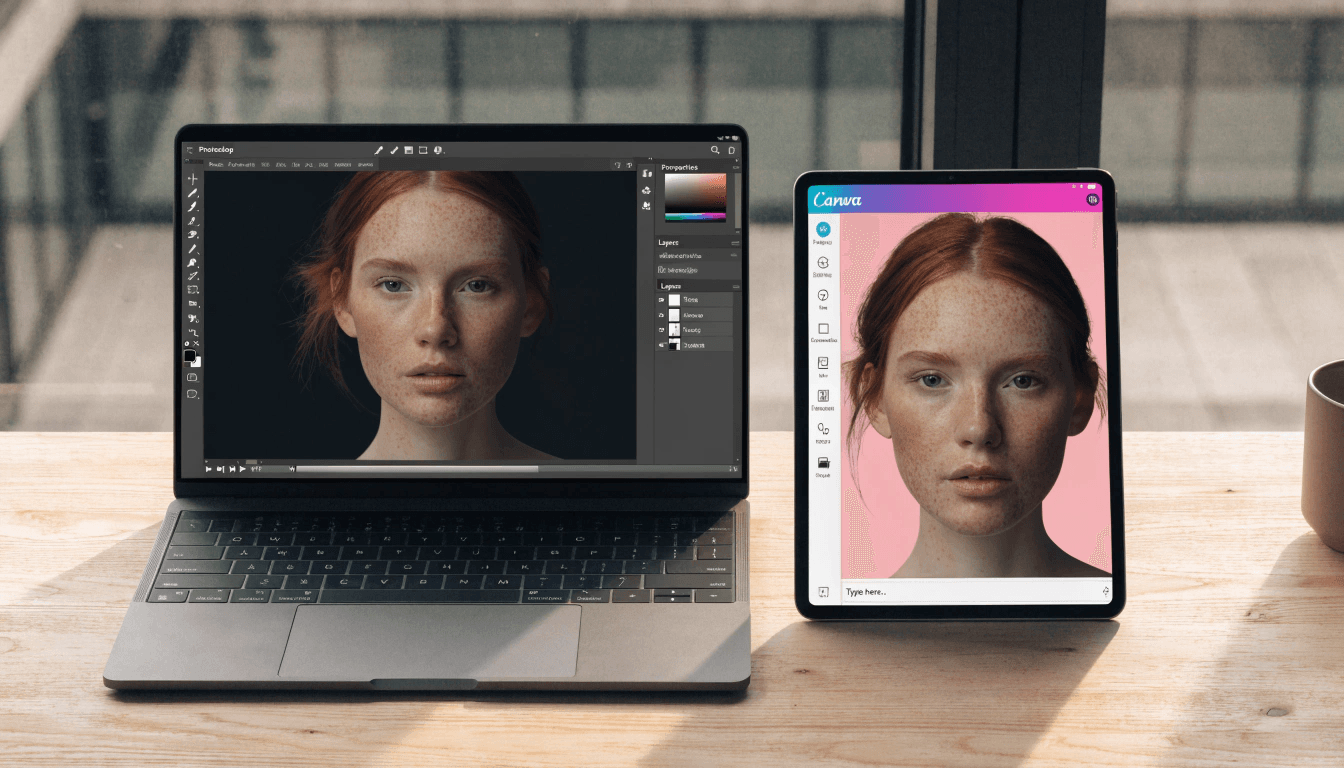
1 - Adobe Photoshop
Adobe Photoshop is still seen as the go-to tool for professional image editing. It offers a high level of control and flexibility that many other tools can’t match.
Pros:
- Offers the widest range of editing tools and features
- Supports a large number of plugins
- Trusted and recognized as an industry-standard tool worldwide
- Includes advanced features like content-aware fill and neural filters
- Works smoothly with other Adobe Creative Cloud apps
Cons:
- Takes time to learn, especially for beginners
- More expensive compared to many alternatives
- Subscription-based pricing may not suit everyone
- Can feel too complex for basic editing tasks
- May run slowly on older or low-spec computers
Pricing: Starts at $54.99/month for individual plans. Business plans are available at higher pricing levels.
Best For: Marketing agencies, design teams, and businesses that need advanced editing tools for detailed and complex projects.
2 - Canva Pro
Canva Pro has evolved from a simple design tool into one of the most popular online photo editor for small business solutions.
Pros:
- Extremely user-friendly interface
- Massive template library (thousands of options)
- Cloud-based accessibility from any device
- Built-in brand kit features
- Collaborative team functionality
- Regular feature updates
Cons:
- Limited advanced editing compared to Photoshop
- Template-based approach may limit creativity
- Some design elements require additional payment
- Export options more limited than desktop software
Pricing: $14.99/month per person, with team plans offering volume discounts.
Best For: Small businesses, social media managers, and teams needing quick turnaround on marketing visuals without extensive design experience.
3 - Affinity Photo
Affinity Photo presents itself as a strong Photoshop alternative for business, delivering professional-level features with a one-time purchase instead of a subscription.
Pros:
- One-time payment with no monthly or yearly fees
- Offers professional-grade image editing tools
- Supports Photoshop file formats
- Runs fast with a smooth and efficient workflow
- Available for both desktop and iPad users
Cons:
- Smaller user community compared to Adobe products
- Limited availability of third-party plugins
- Cloud collaboration features are minimal
- Learning materials are not as extensive
Pricing: $69.99 as a one-time purchase (often discounted to $49.99).
Best For: Freelancers and small businesses that want professional editing tools without paying ongoing subscription fees.
Best Photo Editing Software by Business Type
Different businesses have different needs. Here's how to match tools to your specific situation.
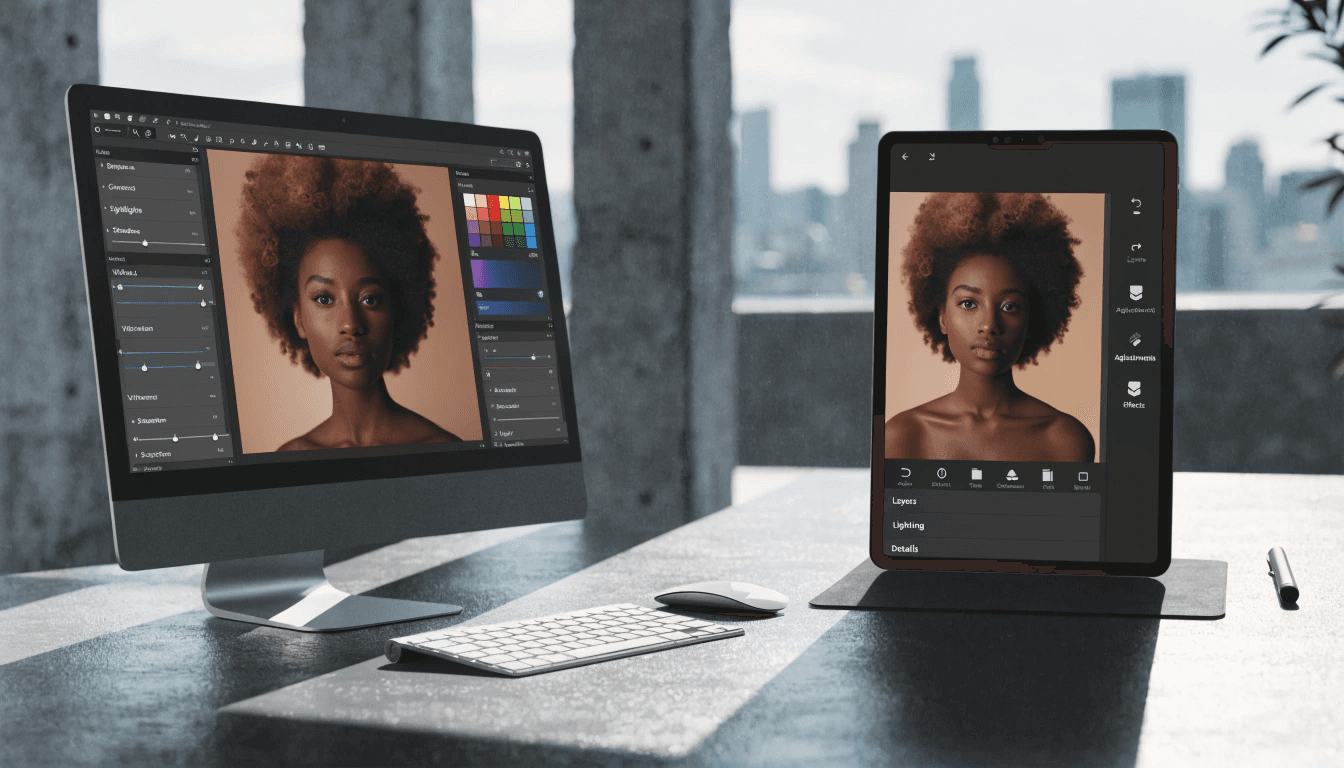
Small Business - Best Choice: Canva Pro
Small businesses usually want fast results without spending time on long training. Canva Pro provides a strong mix of ease of use, useful features, and affordable photo editing software pricing for teams with fewer than 10 people.
Its template library helps remove the “blank canvas” fear that many non-designers face. Brand kit tools also help maintain consistency, even when multiple team members are creating content.
Alternative: Pixlr is a good option for teams working with very limited budgets.

Marketing Agencies - Best Choice: Adobe Creative Cloud (Photoshop + Lightroom)
Agencies require professional-grade capabilities to serve diverse client needs. The Adobe ecosystem provides everything from basic adjustments to complex compositing.
Client expectations for polish and sophistication demand industry-standard tools. Adobe's integration between applications streamlines workflow when projects involve multiple media types.
Alternative: Affinity Photo for agencies focusing on cost control.

E-commerce Brands - Best Choice: Adobe Lightroom
E-commerce businesses often handle hundreds or even thousands of product images that need the same editing style. Lightroom’s batch processing and preset features help save a huge amount of time.
By creating editing presets, you can keep your entire product catalog looking consistent. Non-destructive editing also lets you update or refine edits as your brand changes, without needing to reshoot products.
Alternative: Capture One is a good choice for businesses that need more advanced catalog management.
Freelancers - Best Choice: Affinity Photo
Freelancers often prefer tools that don’t lock them into monthly fees. The one-time purchase model of Affinity Photo offers professional editing features without recurring costs cutting into profits.
It handles client projects well while keeping overall expenses low. Since freelancers usually work solo, the logic of cloud collaboration tools is not a major issue.
Alternative: Canva Pro is a good option for freelancers who mainly focus on social media content.
Pricing Comparison & ROI Perspective
Understanding the true cost means looking beyond monthly subscription fees.
Here's a realistic cost analysis over three years:
- Adobe Photoshop: $54.99/month × 36 months = $1,979.64
- Canva Pro: $14.99/month × 36 months = $539.64
- Affinity Photo: $69.99 one-time = $69.99
- Lightroom: $9.99/month × 36 months = $359.64
- Pixlr: $4.90/month × 36 months = $176.40
However, ROI calculations should consider time savings and quality improvements, not just software costs.
If professional editing software saves your team 5 hours per week (conservative estimate), that's 260 hours annually. At an average employee cost of $30/hour, you're saving $7,800 in productivity annually.
Suddenly, even Adobe's premium pricing delivers 394% ROI in year one.
The key question isn't "what costs least?" but rather "what delivers the best value for our specific needs?"
Free vs Paid Photo Editing Software for Business
Free tools like GIMP, Photopea, and the basic version of Canva can look appealing for businesses trying to save money.
However, free software can end up costing more over time because of:
-
Time Investment: Free tools often come with harder learning curves and less user-friendly interfaces. The extra hours spent figuring out simple tasks have real business costs.
-
Feature Limitations: At some point, you may hit limits that force you to upgrade or switch tools. This means learning a new platform all over again.
-
Support Gaps: Free tools usually offer little to no customer support. If issues come up during an important campaign, the lost time can cost more than a paid subscription.
-
Professional Results: The quality and polish you get from professional tools can directly affect brand image and conversion rates.
That said, free tools can still work well for businesses with very basic editing needs or as secondary tools alongside paid software for specific tasks.
Final Recommendation & Verdict
Choosing the best photo editing software for business depends entirely on your specific situation.
-
For Small Businesses (under 10 employees): Start with Canva Pro. The combination of ease-of-use, collaborative features, and comprehensive template library delivers immediate value without requiring design expertise. As your needs grow, you can supplement with more specialized tools.
-
For Marketing Agencies and Creative Teams: Invest in Adobe Creative Cloud. Client work demands industry-standard tools, and the integration between Photoshop, Lightroom, and other Adobe applications creates efficient workflows for diverse projects.
-
For E-commerce Businesses: Choose Adobe Lightroom for its unmatched batch processing and catalog management. Consistent product photography editing directly impacts conversion rates and makes the investment worthwhile.
-
For Budget-Conscious Freelancers: Buy Affinity Photo once and own it forever. You'll have professional-grade capabilities without subscription fatigue eating into your profits.
-
For Teams Needing Flexibility: Consider** cloud-based photo editing tools** like Canva Pro or Pixlr that enable collaboration and access from any device.
The right tool transforms visual content creation from a bottleneck into a competitive advantage. Choose based on your team's skill level, budget constraints, and specific workflow requirements rather than chasing the most features.
Start with a free trial of your top choice. Most platforms offer 14-30 day trials that let you test real-world workflows before committing.
Remember: the best software is the one your team actually uses consistently. Sometimes "good enough" tools that get adopted widely outperform "perfect" tools that sit unused.
Your business deserves professional visual content. Now you have the roadmap to make it happen.

Frequently Asked Questions
Related Tools
Try out these tools mentioned in the article.