100% Free & Secure Online Tool
Upload Images
Drag and drop your original and edited images to begin comparison
Drag and drop your image here, or click to browse
Supports files up to 50 MB
Formats: JPEG, JPG, PNG, WEBP, SVG, BMP
Clipboard paste supported (Ctrl+V)
Drag and drop your image here, or click to browse
Supports files up to 50 MB
Formats: JPEG, JPG, PNG, WEBP, SVG, BMP
Clipboard paste supported (Ctrl+V)
100%
Viewer Ready
Upload two images or click a preset sunset/retouch template above to compare details instantly.
Privacy First
100% Client-side
100% Free
No Account Required
High Res
DSLR Quality Support
Touch Swipe
Mobile Gesture Ready
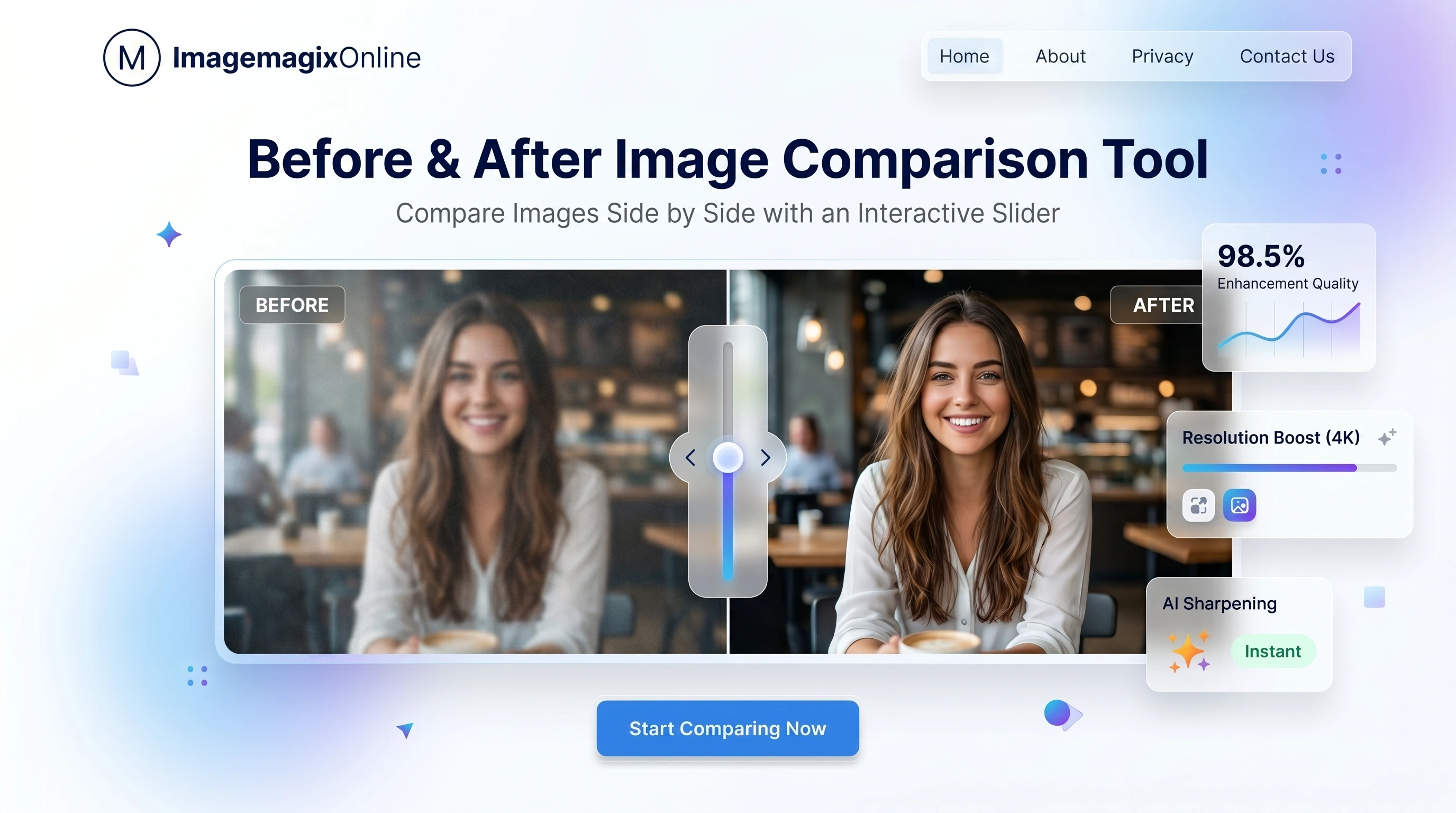
Interactive Before & After Image Comparison Slider
Compare two images side-by-side or layered with a real-time slider handle. Upload photos or try presets below.
Professional Comparison Use Cases
See how different creators leverage the slider for portfolios, stores, and progress checkups.
Photography Editing & Retouching
Photographers can demonstrate exposure corrections, raw adjustments, and professional editing results using the before and after photo slider. Highlight fine details like color grading and light optimization dynamically.
Background Removal Results
Instantly compare original photos with transparent background cutouts. Perfect for e-commerce store owners and graphic designers showcasing clean edges. Easily integrate with our Background Remover tool.
AI Image Enhancement
Validate detail upscale, sharpening, and restoration differences. Present how machine learning upscales blurred inputs into sharp images using an interactive before and after image generator slider.
Home Renovation & Architecture
Highlight home renovation projects, interior design makeovers, and architectural rebuilds. Clients can slide back and forth between empty rooms and staged, fully furnished layouts.
Fitness & Weight Loss Transformations
Showcase weight loss progress, fitness journeys, and bodybuilding transformations. A before and after slider provides an authentic, motivational display of client achievements.
Skin Care & Beauty Results
Dermatologists, cosmetics brands, and skincare clinics can show clear before and after photo comparison slider results of treatments, anti-aging creams, or acne improvements.
Product Comparisons
Evaluate variations, colors, packaging upgrades, or iterations of retail items side-by-side or using a split view overlay comparison.
Website Redesign Showcases
Web designers and developers can use our responsive comparison slider to show the impact of UI/UX improvements, contrasting legacy layouts with fresh, modern interfaces.
See It in Action
Watch how the Before & After slider works with real images.
What is an Image Comparison Slider?
An image comparison slider is an interactive web component that allows users to compare two overlapping images by moving a divider bar. As the slider handle is dragged across the screen, it reveals the 'before' image on one side and the 'after' image on the other. This interactive element provides a more engaging and direct comparison than traditional side-by-side photos.
How a Before and After Slider Works
A before and after slider functions by stacking two HTML/CSS layers. The bottom layer contains the 'after' image, and the top layer contains the 'before' image inside a container with a dynamic width. As the user moves the slider handle, the width of the top container updates, cropping the top image to reveal the bottom image. Our tool handles this entire process securely and instantly inside your web browser using GPU acceleration for smooth performance.
Why Use an Interactive Image Comparison Tool?
Using static images can fail to showcase subtle shifts in color, contrast, alignment, or structure. An interactive image comparison tool invites users to participate. Moving the slider simulates a physical transformation, allowing viewers to pause, focus on specific pixels, and visually map changes. It is particularly effective for designers, developers, photographers, and beauty brands who rely on visual validation.
Compare Images Online in Seconds
With ImageMagixOnline, there's no need to download heavy editing software or install browser extensions. You can compare images online by simply dragging and dropping your files. Customize your labels, choose your preferred comparison style, and interact with the results in real-time. Whether you are using a desktop or a smartphone, our mobile-friendly swipe gestures ensure a responsive comparison slider experience.
Before vs After Image Comparison Benefits
Integrating a before after slider into your landing pages or portfolios can improve metrics such as time-on-page, user conversion rate, and credibility. It proves the authenticity of your edits (e.g. background removal using our Background Remover or image cropping using our Image Cropper). Interactive content is shared more frequently, helping boost organic reach.
How to Create a Before After Slider
Creating a customized before after slider is simple: 1) Upload your first ('before') image. 2) Upload your second ('after') image. 3) Choose your layout: Slider, Side-by-Side, or Overlay. 4) Use the color picker to style the handle and customize the labels. 5) Click 'Download' to save a static compared image, or copy the embed code to add the interactive slider directly onto your site.
Best Uses for Before and After Image Sliders
Sliders excel at showing contrast. Top use cases include photo editing portfolios (exposure, color balance), dental restoration showcases, landscaping makeovers, logo redesigns, cartography mapping differences, and product comparisons (original vs. replica).
Side-by-Side vs Slider Comparison
While side-by-side displays show both images fully, viewers must look back and forth, making it hard to catch pixel-aligned modifications. A slider overlay aligns both images perfectly, revealing differences in position, shape, and lighting immediately. Our tool provides both modes so you can analyze your photos from every angle.
Why Use ImageMagixOnline for Image Comparisons?
ImageMagixOnline offers the most comprehensive suite of free web utility tools. In addition to our advanced interactive before and after slider, you can resize images with our Image Resizer, apply retro filters with the Image Filters, or pixelate sensitive info using the Pixelate Tool. All tools are free, private, and require no account registration.
Frequently Asked Questions
Everything you need to know about comparing photos on our platform.
Refine Your Images
AI Background Remover
Remove image backgrounds using AI.
Image Resizer
Resize images by pixels or percentage.
Image Cropper
Crop images to custom sizes/ratios.
Grayscale Converter
Convert images to grayscale.
Pixelate Image Tool
Blur and pixelate parts or entire images with ease.
Color Picker
Pick colors from an image and get HEX, RGB, HSL values.
Bulk Image Converter
Convert multiple images at once and download as ZIP.
Image Compressor
Reduce file size with adjustable quality.