MImageMagixOnline
  • Home
  • All tools · 55 free, no sign-up

    View all tools

    Basic Tools21

    • Dominant Color FinderDetect the primary color and palette of any image.
    • Image to PDF ConverterConvert one or more images into a single PDF document.
    • PPT Images to PDFExtracts all images from a .pptx file and compiles them into a PDF.
    • Image ConverterConvert single images between JPG, PNG, WebP, BMP.
    • Image to Text Converter (OCR)Extract text from images using Optical Character Recognition.
    • PDF to Image ConverterConvert PDF pages to high-quality images (JPG/PNG).
    • ICO to PNG ConverterConvert ICO files to high-quality PNG images.
    • TIFF to JPG ConverterConvert TIFF image files to JPG format instantly.
    • RAW to JPG ConverterConvert RAW image files to high-quality JPG format online.
    • BMP to JPG ConverterConvert BMP image files to JPG format.
    • SVG ConverterConvert SVG files/code to JPG, PNG, WebP.
    • HEIC to JPG ConverterConvert HEIC/HEIF images (from iPhone) to JPG online.
    • Bulk Image ConverterConvert multiple images at once and download as ZIP.
    • Image CropperCrop images to custom sizes/ratios.
    • Image ResizerResize images by pixels or percentage.
    • Rotator / FlipperRotate and flip images.
    • Grayscale ConverterConvert images to grayscale.
    • Favicon GeneratorGenerate favicons in various sizes (PNG, ICO).
    • Square PadderMake images square by adding padding.
    • Color PickerPick colors from an image and get HEX, RGB, HSL values.
    • Pixelate Image ToolBlur and pixelate parts or entire images with ease.

    AI Powered2

    • AI Background RemoverRemove image backgrounds using AI.
    • AI Image ColorizerColorize black & white photos.

    Advanced26

    • Website Image Audit ToolComprehensive SEO and accessibility scanner for website images. Check for missing alt tags, large files, and more.
    • Image AnnotatorDraw, highlight, add arrows, and labels (e.g., for tutorials).
    • Sprite Sheet MakerCombine images into a single sprite sheet with JSON frame map.
    • GIF CreatorCombine multiple images into an animated GIF.
    • Passport Photo MakerCreate official passport, visa, and ID photos.
    • Before/After SliderCompare two images using an interactive slider.
    • Meme GeneratorCreate memes by adding text to images.
    • Avatar Maker / Circle CropCreate circular avatars or crops with borders.
    • Base64 Encoder/DecoderConvert images to/from Base64.
    • Image CompressorReduce file size with adjustable quality.
    • Sketch ConverterTurn photos into artistic sketches.
    • Image FiltersApply various artistic and corrective filters.
    • Image MergerCombine images vertically/horizontally.
    • Watermark ToolAdd text or image watermarks.
    • Face Blur ToolApply a face blur effect to images.
    • Instagram Grid Maker & Image SplitterSplit images into seamless grids for Instagram or web.
    • EXIF Metadata Viewer/RemoverView or strip image metadata.
    • Collage MakerCreate photo collages with various layouts.
    • Rounded Corner GeneratorApply rounded corners to images with custom radii.
    • Image Border GeneratorAdd various border styles to your images.
    • Image Difference FinderCompare two images and highlight differences.
    • Histogram VisualizerShow brightness/color distribution with a chart.
    • Image Hash GeneratorGenerate perceptual hashes (pHash, dHash, aHash) and image fingerprints to detect near-duplicates.
    • Color Blindness SimulatorPreview how images look for colorblind users.
    • Advanced PDF MergerMerge multiple PDF files into one organized, optimized document.
    • Advanced PDF EditorEdit text, images, and structure in PDF files with ease.

    Markdown Converters6

    • Markdown to PDF ConverterConvert Markdown & GFM files, READMEs, technical docs, and resumes into publication-ready PDFs.
    • Markdown to Word ConverterConvert Markdown & GFM files, READMEs, technical docs, and resumes into Microsoft Word (.docx, .doc) files.
    • Markdown to HTML ConverterInstantly convert Markdown to clean, semantic HTML online. Free, no signup, supports GFM syntax. Copy code or download HTML file directly.
    • Markdown to TXT ConverterInstantly convert Markdown & GFM files, READMEs, technical docs into clean, formatted plain text (.txt). 100% browser-based & private.
    • Markdown to EPUB ConverterInstantly convert Markdown & GFM files, READMEs, and manuscripts into clean EPUB3 eBooks (.epub). 100% browser-based & private.
    • Markdown to RTF ConverterInstantly convert Markdown & GFM files, READMEs, and technical docs into Rich Text Format (.rtf) documents. 100% browser-based & private.
  • About
  • Blog
  • Contact
twitter [#154]
  1. Home
  2. Tools
  3. Avatar Maker
MImageMagixOnline

Your all-in-one solution for effortless, fast, and free online image manipulation tools. Built for creators, by creators.

twitter [#154]github [#fff142]Cosmos

Top Tools

  • Image Converter
  • Image Resizer
  • Image Cropper
  • Background Remover
  • Passport Photo Maker

Site

  • Home
  • About Us
  • Blog
  • Contact

Extensions

  • Format Converter (Chrome)
  • Image Annotator (Chrome)

Legal

  • Terms of Service
  • Privacy Policy
  • Refund Policy
  • Write for Us

All Tools

55 tools
  • Dominant Color Finder
  • Image to PDF Converter
  • PPT Images to PDF
  • Image Converter
  • Image to Text Converter (OCR)
  • PDF to Image Converter
  • ICO to PNG Converter
  • TIFF to JPG Converter
  • Website Image Audit Tool
  • RAW to JPG Converter
  • BMP to JPG Converter
  • SVG Converter
  • HEIC to JPG Converter
  • Bulk Image Converter
  • Image Cropper
  • Image Resizer
  • Rotator / Flipper
  • Grayscale Converter
  • Favicon Generator
  • Square Padder
  • Color Picker
  • Pixelate Image Tool
  • AI Background Remover
  • AI Image Colorizer
  • Image Annotator
  • Sprite Sheet Maker
  • GIF Creator
  • Passport Photo Maker
  • Before/After Slider
  • Meme Generator
  • Avatar Maker / Circle Crop
  • Base64 Encoder/Decoder
  • Image Compressor
  • Sketch Converter
  • Image Filters
  • Image Merger
  • Watermark Tool
  • Face Blur Tool
  • Instagram Grid Maker & Image Splitter
  • EXIF Metadata Viewer/Remover
  • Collage Maker
  • Rounded Corner Generator
  • Image Border Generator
  • Image Difference Finder
  • Histogram Visualizer
  • Image Hash Generator
  • Color Blindness Simulator
  • Advanced PDF Merger
  • Advanced PDF Editor
  • Markdown to PDF Converter
  • Markdown to Word Converter
  • Markdown to HTML Converter
  • Markdown to TXT Converter
  • Markdown to EPUB Converter
  • Markdown to RTF Converter

Popular Converters & Size Tools

  • PNG to JPG
  • JPG to PNG
  • WebP to JPG
  • JPG to WebP
  • PNG to WebP
  • Compress JPEG to 200KB
  • Compress Image to 100KB
  • Compress Image to 50KB
  • Compress Image to 20KB
  • Resize Image for Instagram
  • PAN Card Photo
  • Indian Visa Photo
  • Australian Passport Photo
  • Indian Passport Size Photo
  • Remove EXIF Data
  • GPS Photo Viewer
  • Camera Settings Viewer
  • Image Properties Checker
  • Metadata Extractor
  • WebP to PNG
  • HEIC to PNG
  • BMP to PNG
  • AVIF to JPG
  • TIFF to PNG
  • HEIC to PDF
  • CR2 to JPG
  • NEF to JPG
  • ARW to JPG
  • DNG to JPG
  • PDF to JPG
  • PDF to PNG
  • SVG to PNG
  • SVG to JPG
  • SVG to PDF
  • Image to Base64
  • Base64 to Image
  • PNG to ICO
  • Compress Image to 10KB
  • Compress Image to 30KB
  • Compress Image to 500KB
  • Compress Image to 1MB
  • Hindi OCR
  • Screenshot to Text
  • Add Watermark to PDF
  • Sign PDF
  • Add Text to PDF
  • Add Image to PDF
  • Rotate PDF
  • Reorder PDF Pages
  • US Passport Photo (2x2)
  • UK Passport Photo
  • Schengen Visa Photo
  • YouTube Thumbnail Resizer
  • Facebook Cover Photo Resizer
  • Flip Image
  • Circle Crop Image
  • Combine Images Side by Side
  • LinkedIn Image Resizer
  • Twitter/X Image Resizer
  • Stack Images Vertically
  • Photo Grid Maker
  • Crop Image to Square
  • Instagram No Crop
  • Instagram Carousel Splitter
  • Annotate Screenshot
  • Blur License Plate
  • Redact Image

© 2026 ImageMagixOnline. All rights reserved.

Made with ℓσνє for creators everywhere

    Avatar Creation Studio

    Design premium profile pictures in seconds. Frame, crop, and customize your avatar with beautiful backgrounds and precise social media sizing.
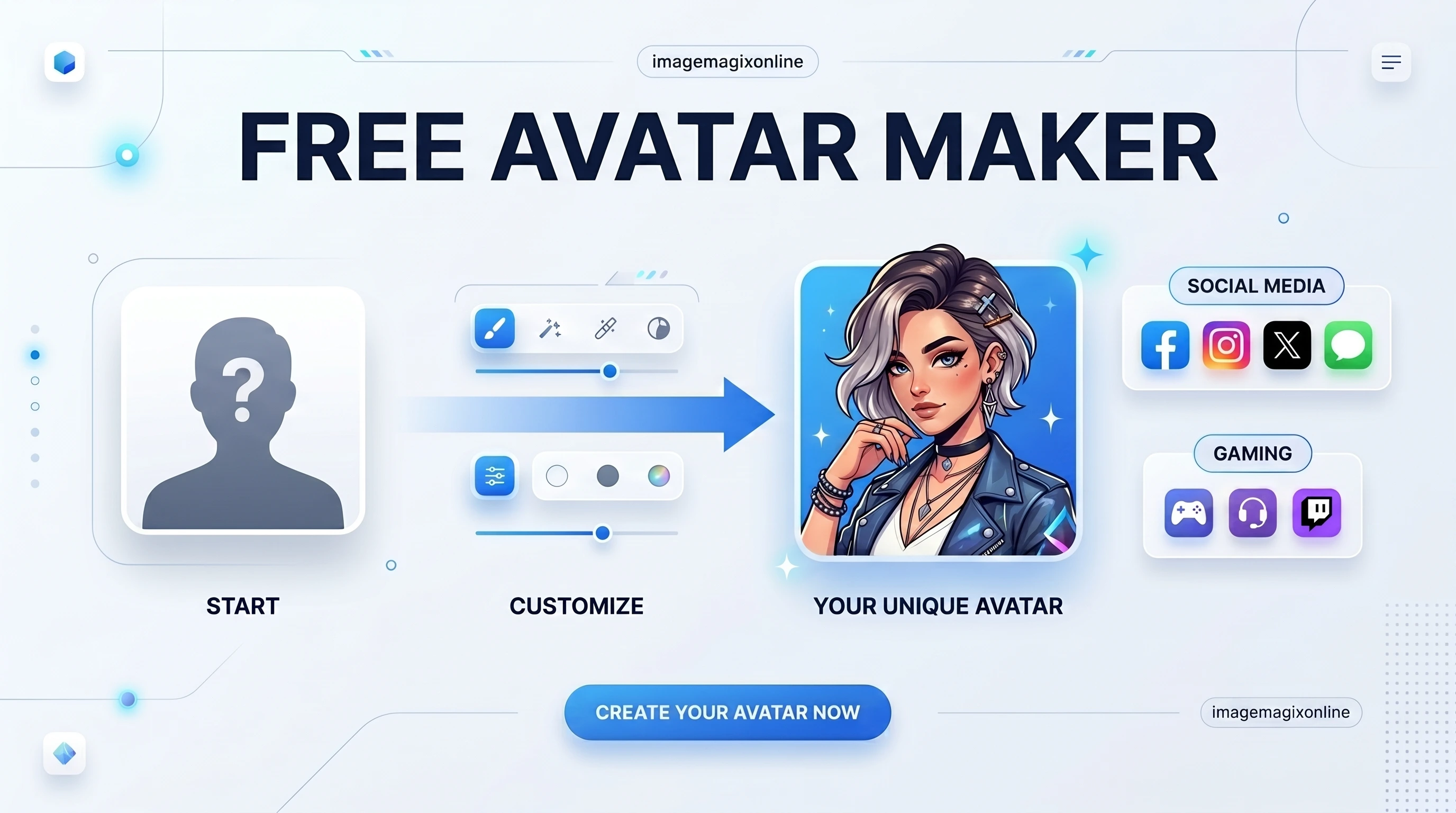
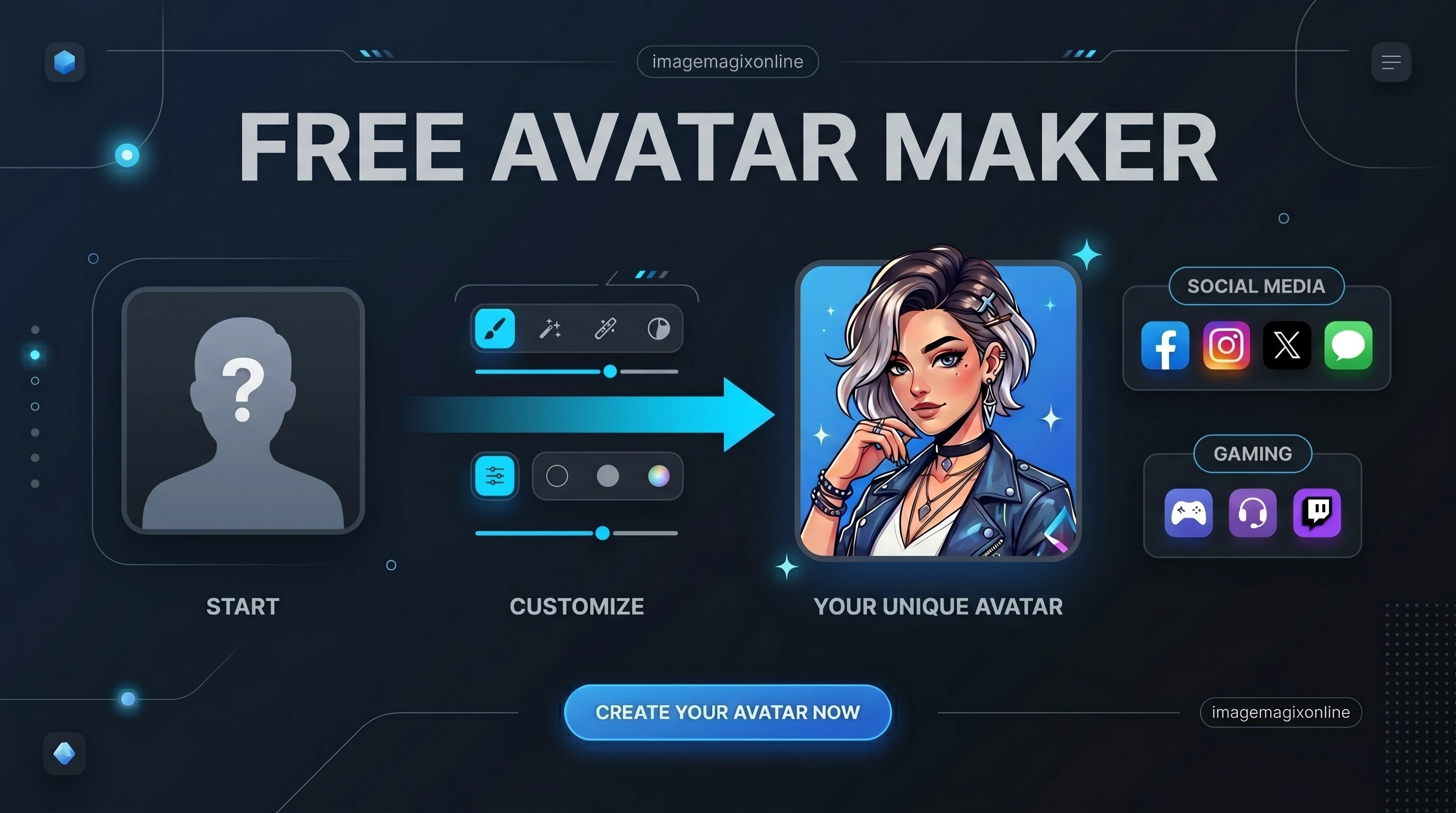
    Avatar Maker Preview LightAvatar Maker Preview Dark

    Drop a photo to start designing

    Supports files up to 50 MB

    Formats: JPEG, JPG, PNG, WEBP, SVG, BMP

    Clipboard paste supported (Ctrl+V)
    Adjust Image
    100%
    0°
    Styling
    0px
    Zero-Server uploads: All avatar cropping is processed locally in your browser.
    100% SecureCreator First

    100% Free

    No Sign Up Needed

    Privacy First

    Client-Side Crop

    Perfect Size

    Built-in Presets

    High Quality

    Lossless Exporting

    Pan & Zoom

    Premium Controls

    Responsive

    Mobile Friendly

    Why Use an Avatar Maker?

    Avatar Maker OverviewAvatar Maker Overview Dark

    Your profile picture is your digital first impression. A high-quality, well-framed avatar builds trust, establishes personal branding, and makes you instantly recognizable across social media, forums, and professional networks. Instead of settling for a messy crop, our Avatar Creation Studio empowers you to design a polished, premium avatar. Use our built-in templates to perfectly size your photo for YouTube, Twitch, Facebook, Twitter/X, and more, ensuring you always look your best online.

    If you simply need a round version of any image, such as a team headshot, logo or email signature photo, the circle crop tool produces a round PNG with transparent corners in a few clicks.

    Common Use Cases

    • Create professional headshots for LinkedIn & CVs.
    • Make perfect circular profile pictures for Instagram & Twitter.
    • Design gaming icons and Discord PFP banners.

    Key Benefits & Features

    Our advanced engine provides more than just a simple crop, offering premium controls for perfect results.

    01

    Perfect Social Media Presets

    One-click sizing for Instagram, LinkedIn, Discord, YouTube, Facebook, and Twitter/X.

    02

    Pan & Zoom Editor

    Intuitive, premium canvas controls let you zoom and drag your image for the perfect framing.

    03

    Circle & Square Avatars

    Choose between classic circular profile pictures or modern square avatars with adjustable rounded corners.

    04

    Custom Backgrounds & Gradients

    Replace transparent or boring backgrounds with solid colors or beautiful gradients to make your PFP pop.

    05

    Add Custom Borders

    Apply clean, adjustable borders to frame your avatar and draw attention to your profile.

    06

    High-Quality Export

    Download your custom avatar in crisp PNG (with transparency), JPG, or WebP formats.

    07

    100% Free & Private

    No registration needed, no watermarks, and all processing happens securely in your browser.

    How to Create the Perfect Avatar

    1

    Upload Your Source Photo

    Drag and drop your image file (JPG, PNG, WebP) or click the upload area to start. This photo will serve as the base for your new avatar.

    2

    Select a Preset or Shape

    Choose a social media preset (like 'Instagram Profile' or 'LinkedIn Headshot') to automatically configure the size and shape. Or, manually select a Circle or Square crop.

    3

    Pan, Zoom & Position

    Use the premium editor to drag your image into the perfect position. Adjust the zoom and rotation sliders to frame your face exactly how you want it.

    4

    Customize Backgrounds & Borders

    Want to stand out? Add a custom background color, a vibrant gradient, or a stylish border to give your profile picture a professional edge.

    5

    Export Your Avatar

    Preview your design in real-time, then click 'Download Avatar' to save your new profile picture in high quality, ready to be uploaded to any platform!

    Frequently Asked Questions

    Start Creating Now

    Elevate your online presence with the ultimate Avatar Maker and Profile Picture Creator. Whether you're a professional looking to polish your LinkedIn, a creator branding your YouTube channel, or a gamer designing the perfect Discord PFP—ImageMagixOnline provides the premium tools you need to stand out. Start designing your perfect circle or square avatar today!

    Explore More Creator Tools

    AI Background Remover

    Remove image backgrounds using AI.

    Square Padder

    Make images square by adding padding.

    Rounded Corner Generator

    Apply rounded corners to images with custom radii.

    Image Border Generator

    Add various border styles to your images.

    Popular Shortcuts for This Tool

    One-click versions of this tool, preset for the most common jobs.

    • Circle Crop ImageRound PNGs with transparent corners.