Free Markdown to RTF Converter Online – Convert MD to Rich Text Format Instantly | No Signup
LOAD SAMPLE:
Markdown Source
155 words1086 chars34 lines
⏱ ~1 min read
Markdown to RTF Document Studio
100% Client-Side
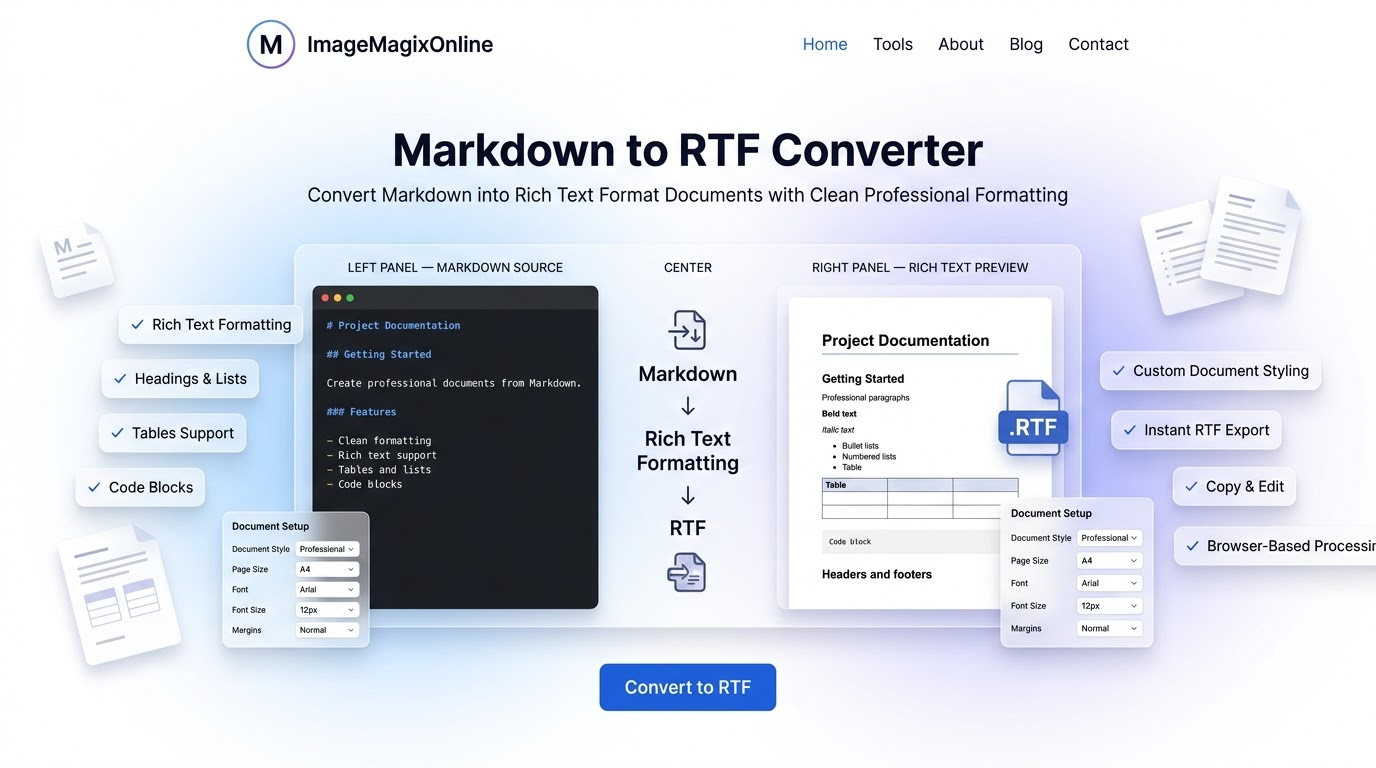
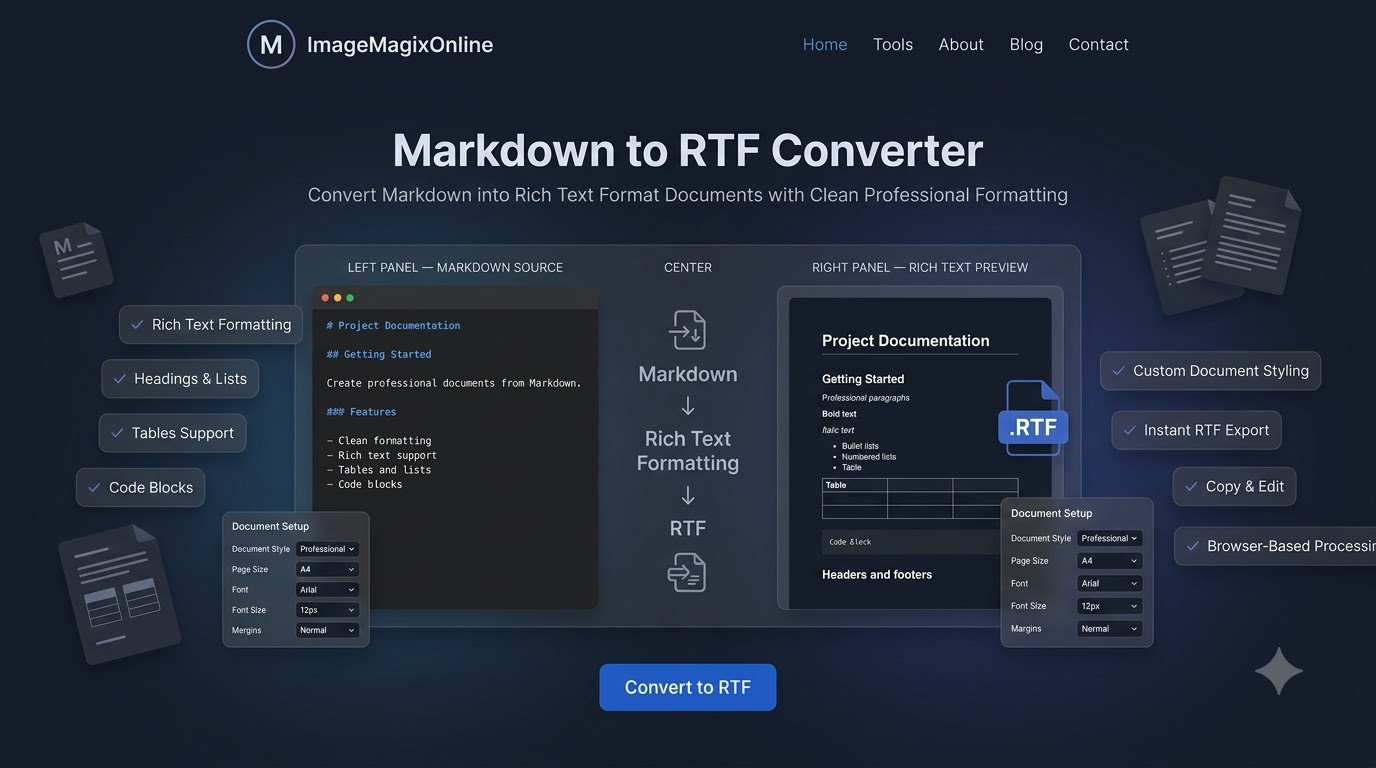
Author Markdown READMEs, technical specifications, and documents with live preview and instant RTF export.
Zero Server Uploads
GFM & RTF Parity
Privacy First
100% Client-side
100% Free
No Account Required
RTF Format
Universal Word Processor
Clean Document
Instant Export
Free Markdown to RTF Converter Online – Convert MD to Rich Text Format Instantly | No Signup
Convert Markdown to RTF online free with the most powerful browser-based Markdown to Rich Text Format converter and document studio, purpose-built for software developers, technical writers, academics, researchers, students, freelancers, and content creators. Instantly transform Markdown (.md, .markdown) files, GitHub README files, technical documentation, code snippets, API references, resumes, and meeting minutes into fully editable Rich Text Format (.rtf) documents with real-time live preview — no Pandoc installation, no command line, no software download required. Built on a privacy-first, 100% client-side architecture, our free markdown to RTF converter parses CommonMark and GitHub Flavored Markdown (GFM) entirely inside your browser. Your source code, private documents, resumes, and confidential notes are never uploaded to any server — guaranteed zero-upload document conversion, compatible with every major desktop and mobile word processor.
Why Use the Markdown to RTF Converter?
Engineered for developer workflows, technical documentation, and professional document publishing.
100% Client-Side In-Browser Compilation
All Markdown parsing and RTF structure generation run locally inside your browser memory. Your documents never touch external servers or cloud databases.
GitHub Flavored Markdown (GFM) Compatibility
Engineered for technical authors, supporting GFM data tables, fenced code blocks, task list checkboxes, strikethrough, and nested lists.
Custom Document Geometry & Typography
Fine-tune document margins, font families, line height, font sizes, and paper dimensions with immediate visual feedback.
Instant One-Click RTF Export
Generate standard, fully compliant `.rtf` files with one click for offline editing in any word processor.
Key Advantages & Benefits
100% Free & Client-Side Privacy: Convert markdown to RTF online free with zero data leaving your device — your text, code snippets, resumes, and embedded graphics are compiled locally inside your browser sandbox. No server uploads, no tracking, no account required.
GitHub Flavored Markdown (GFM) Full Parity: Complete support for GFM tables, task-list checkboxes, strikethrough syntax, autolinks, nested lists, and fenced code blocks — the most accurate readme to RTF converter for developers.
Split-Screen Live Preview: Real-time, side-by-side Markdown editor and rendered document preview with synchronized scrolling and debounced state updates — see your RTF output before you download.
Editable, Universally Compatible RTF Output: Generates standard Rich Text Format (.rtf) files readable by Microsoft Word, WordPad, Apple TextEdit, Google Docs, LibreOffice, and Pages — no formatting loss, no compatibility errors.
Flexible Page Geometry & Layouts: Select standard document sizes (A4, Letter, Legal, A3), adjust orientation (Portrait, Landscape), and fine-tune margins (Normal, Narrow, Wide, Custom mm).
Restrained Professional Document Themes: Choose from curated, high-readability styles including Pure Black & White, Classic Paper, Soft Cream, Warm Sepia, and Tech Slate — perfect for business reports, resumes, and academic papers.
Code & Data-Heavy Formatting: Automatic, distraction-free formatting for syntax-highlighted code blocks, GFM data tables, nested bulleted/numbered lists, and blockquotes with custom margins — built for API documentation and developer manuals.
Full Document Controls: Customize font family (Arial, Times New Roman, Georgia, Courier New), font size (12px - 24px), line height, and document properties for corporate-grade, publish-ready RTF files.
No Installation, No Pandoc, No Signup: Works instantly in any modern browser as a true zero-install pandoc alternative online — no downloads, no registration walls, no watermarks.
How to Convert Markdown to RTF Online
#1
Enter or Paste Markdown Content
Type directly into the split-screen Markdown editor, paste raw text from your clipboard, click 'Upload .MD File', or select one of our curated sample templates (GitHub README, Technical Spec, Release Notes) to instantly convert markdown to RTF.
#2
Inspect the Real-Time Document Preview
Watch your formatted RTF document render live in the middle panel. Toggle desktop split view, adjust font sizes, or switch between Editor, Preview, and Settings tabs on mobile screens.
#3
Configure Page Setup & Typography
Use the RTF Setup panel to select your preferred page size (A4, Letter), orientation, margins, font family (Arial, Times New Roman, Georgia, Courier New), font size, and document theme.
#4
Export & Download Your RTF Document Free
Click 'Download .rtf' for instant, direct, client-side compilation and download of your `.rtf` file — completely free, with no watermark and no signup.
Technical Specifications
Supported Input FormatsMarkdown (.md, .markdown), GitHub Flavored Markdown (GFM), Plain Text (.txt)
Supported Output FormatRich Text Format (.rtf)
Parsing EngineClient-Side GFM Parser + Custom RTF Document Compiler
CompatibilityMicrosoft Word, WordPad, Apple TextEdit, Google Docs, LibreOffice, Pages, Mobile Word Processors
Privacy & Security100% Local Browser Processing — Zero Data Transferred to Server
Frequently Asked Questions (FAQ)
Start Authoring RTF Documents from Markdown Today
The free Markdown to RTF Converter on ImageMagixOnline provides a fast, private, and powerful environment for converting Markdown documents into universally compatible Rich Text Format (.rtf) files. Experience zero-upload, instant, free document compilation in your browser today — no signup, no software, no limits.
Facing issues or want to request a feature?
Let us know immediately! We would love to hear your feedback.