Image Annotator - Draw, Highlight, and Add Shapes Online
Visual Annotation Studio
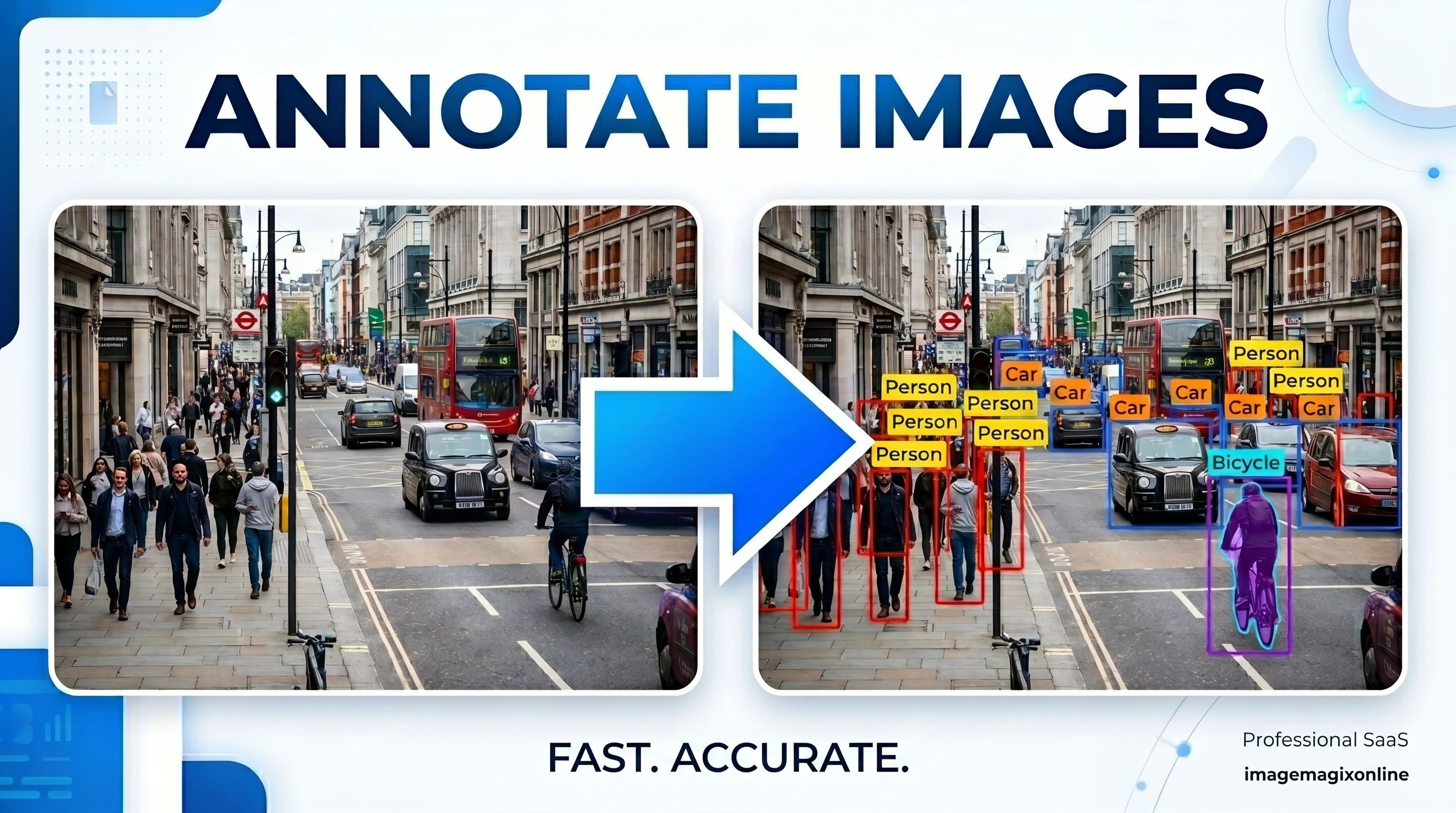
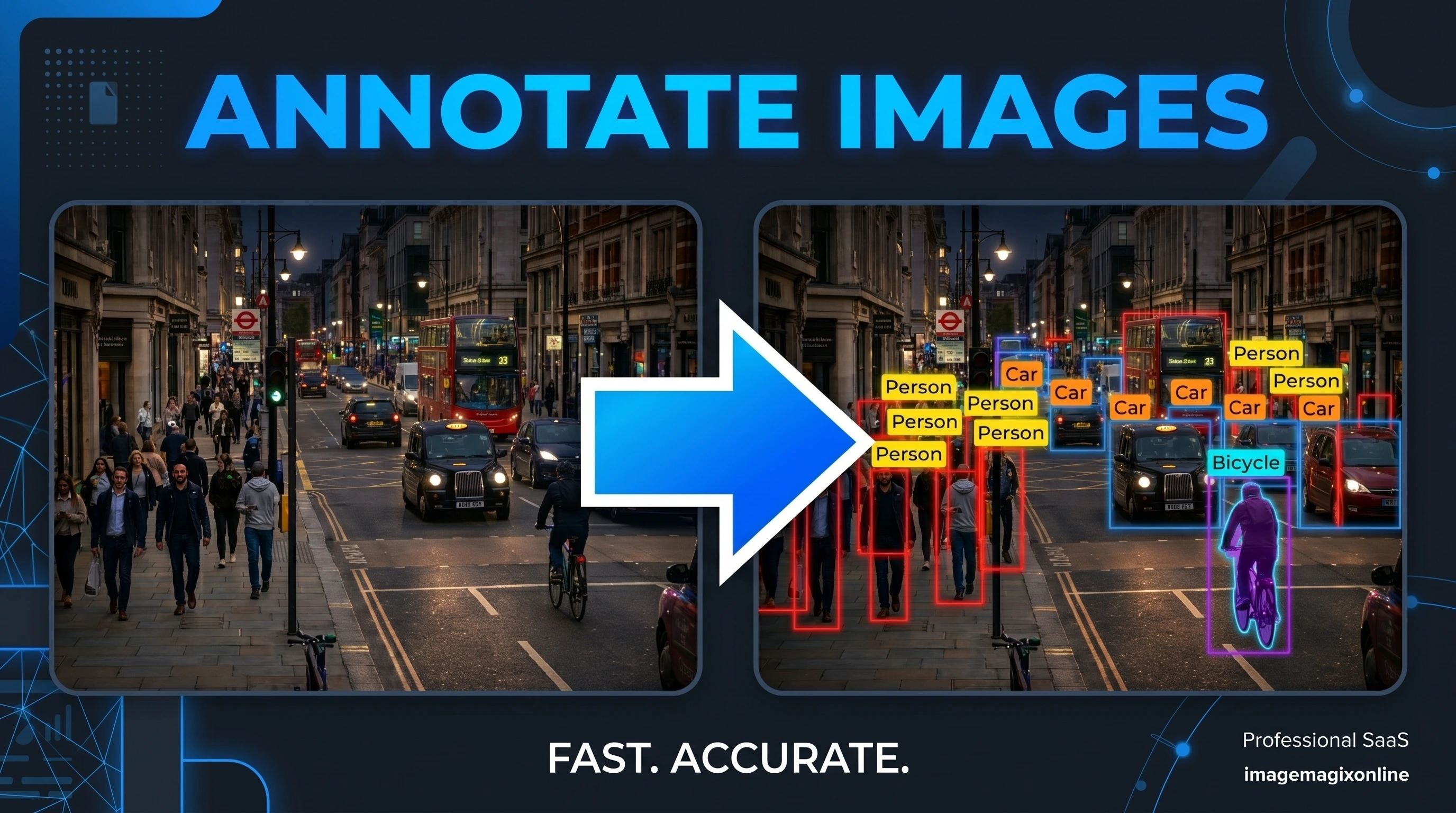
Image annotation is a critical process for communication and data labeling. For tutorials and instructional guides, it allows creators to visually point out specific elements with arrows, text, and highlights. In design and development, it's essential for providing clear, contextual feedback. For data science, image annotation is the foundation for training computer vision models. Our free image annotation tool makes this powerful capability accessible to everyone, whether for professional or personal use.
Marking up a screenshot? Annotate Screenshot explains the paste-and-copy workflow, keyboard shortcuts and how to hide private details safely.
Trust Signals
- 100% Free & No Registration Required.
- Secure Browser Processing (Privacy First).
- High Quality Object-Oriented Export.
Key Benefits & Features
Communicate ideas clearly with professional grade annotation tools.
01
Comprehensive Toolset
Includes freehand drawing, highlighting, text labels, arrows, rectangles, circles, and lines.
02
Keyboard Shortcuts
Work faster using keyboard shortcuts for all tools (e.g., 'V' for Select, 'P' for Draw, 'T' for Text).
03
Fully Customizable
Control colors, brush sizes, font styles, and highlight opacity to match your needs.
04
Undo/Redo Functionality
Easily correct mistakes with multi-level undo and redo buttons.
05
Secure & Private
All annotation is performed in your browser. Your images are never uploaded to a server.
06
Multiple Use Cases
Ideal for educational content, design feedback, technical documentation, and personal markups.
07
High-Quality Output
Download your annotated image as a high-quality PNG or JPG file.
08
Completely Free
An advanced image annotator online, free for everyone without watermarks or limitations.
How to Annotate Your Images
1
Upload Your Image
Drag and drop your image (JPG, PNG, WebP) into the upload area or click to select a file from your device.
2
Select an Annotation Tool
Choose your desired tool from the toolbar or use keyboard shortcuts (e.g., press 'H' for Highlight, 'R' for Rectangle, 'E' for Eraser).
3
Customize Tool Settings
Use the options panel to adjust settings like Color, Brush Size, or Opacity for your selected tool.
4
Annotate the Image
Click and drag on the image canvas to apply your annotation. For text, click where you want to add a label and start typing.
5
Correct as Needed
Use the 'Undo' and 'Redo' buttons to step through your changes, or click 'Clear Canvas' to remove all annotations and start over.
6
Download Your Work
Once you are finished, click the 'Download Annotated Image' button to save your final creation.
Frequently Asked Questions
What is the purpose of an annotation?
The purpose of an annotation is to add supplementary information, comments, explanations, or markings to a piece of data, such as an image. This helps to clarify context, highlight important areas, or label objects for analysis or instruction.
What is the difference between decorator and annotation?
In a general context, a decorator adds aesthetic or ornamental features, while an annotation adds explanatory or informational notes. In programming (like Java or Python), decorators and annotations are metadata constructs that modify or provide information about code, but their implementation and syntax differ between languages.
What is the role of an annotation analyst?
An annotation analyst, often in the field of AI and machine learning, is responsible for accurately labeling data (like images or text) to train algorithms. For example, they might draw bounding boxes around cars in images to train a self-driving car's computer vision system. This tool can be used for basic data labeling tasks.
What are the rules for image annotation?
Rules for image annotation depend on the project's goal. Key rules often include: 1. Be consistent in your labeling. 2. Be precise (e.g., bounding boxes should be tight around the object). 3. Follow the specific guidelines provided for the task. 4. Ensure labels are accurate and clear.
What are the 5 steps of annotation?
A common 5-step process for annotating content is: 1. Preview the data to understand its context. 2. Highlight or select the key information or areas of interest. 3. Add a comment or label explaining the highlight. 4. Review your annotations for accuracy and clarity. 5. Save or export the annotated data.
What are annotation 3 examples?
Three common examples of annotation are: 1. Drawing a bounding box around a cat in a photo and labeling it 'cat' for an AI model. 2. Highlighting a sentence in a PDF and adding a comment. 3. Using arrows and text labels on a screenshot to create a step-by-step tutorial.
How to work on annotation?
To work on annotation effectively, start with a clear objective. Use a reliable tool like this one, select the appropriate annotation type (e.g., highlight for emphasis, text for explanation), apply your markings clearly, and review your work for accuracy before finalizing.
Related Tools
Watermark Tool
Add text or image watermarks.
Image Cropper
Crop images to custom sizes/ratios.
Image Filters
Apply various artistic and corrective filters.
Image Resizer
Resize images by pixels or percentage.
Image Compressor
Reduce file size with adjustable quality.
AI Background Remover
Remove image backgrounds using AI.
Popular Shortcuts for This Tool
One-click versions of this tool, preset for the most common jobs.