Ultimate Guide: 10+ Ways to Make Money with Canva (2026 Guide)

Introduction
In 2026, the digital design landscape continues to boom, and Canva has established itself as the go-to platform for creators, entrepreneurs, and freelancers looking to monetize their design skills. Whether you're a complete beginner or an experienced designer, learning how to make money with Canva can open doors to multiple income streams that don't require expensive software or formal design training.
With more than 170 million users around the world, Canva has changed how people create visuals. It's simple, web-based, and accessible to anyone with an internet connection. But Canva isn't just for making graphics for social media or personal projects anymore. More people are using it to build side hustles and even full-time businesses.
From selling ready-made templates to offering design services for clients, Canva supports a wide range of income opportunities. Some methods are beginner-friendly, while others reward more experience and creativity. The best part is that many of these options can be started with little to no upfront cost.
This comprehensive guide explores more than 10 proven methods to make money using Canva in 2026. Whether you're looking to build a full-time business or create a side income stream, you'll find actionable strategies that can help you start earning today.
1. Sell Canva Templates on Etsy and Creative Marketplaces
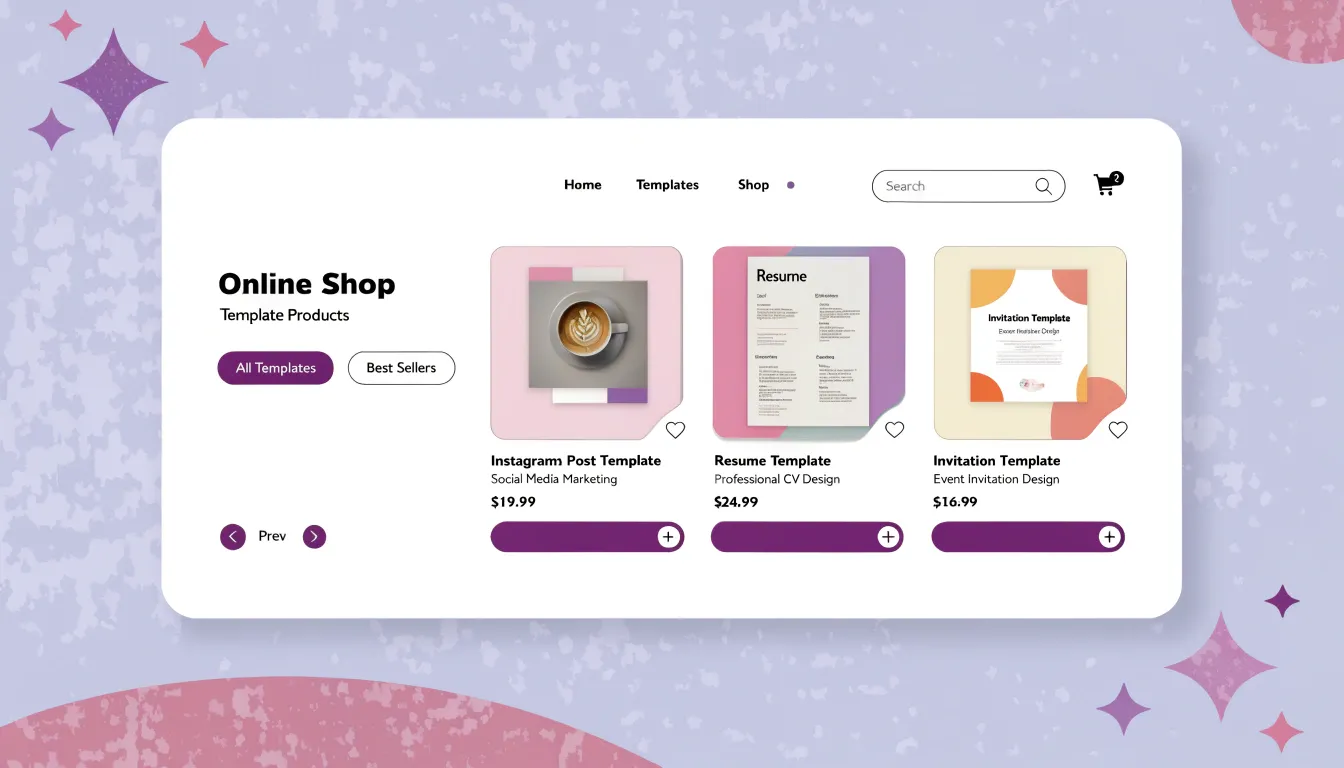
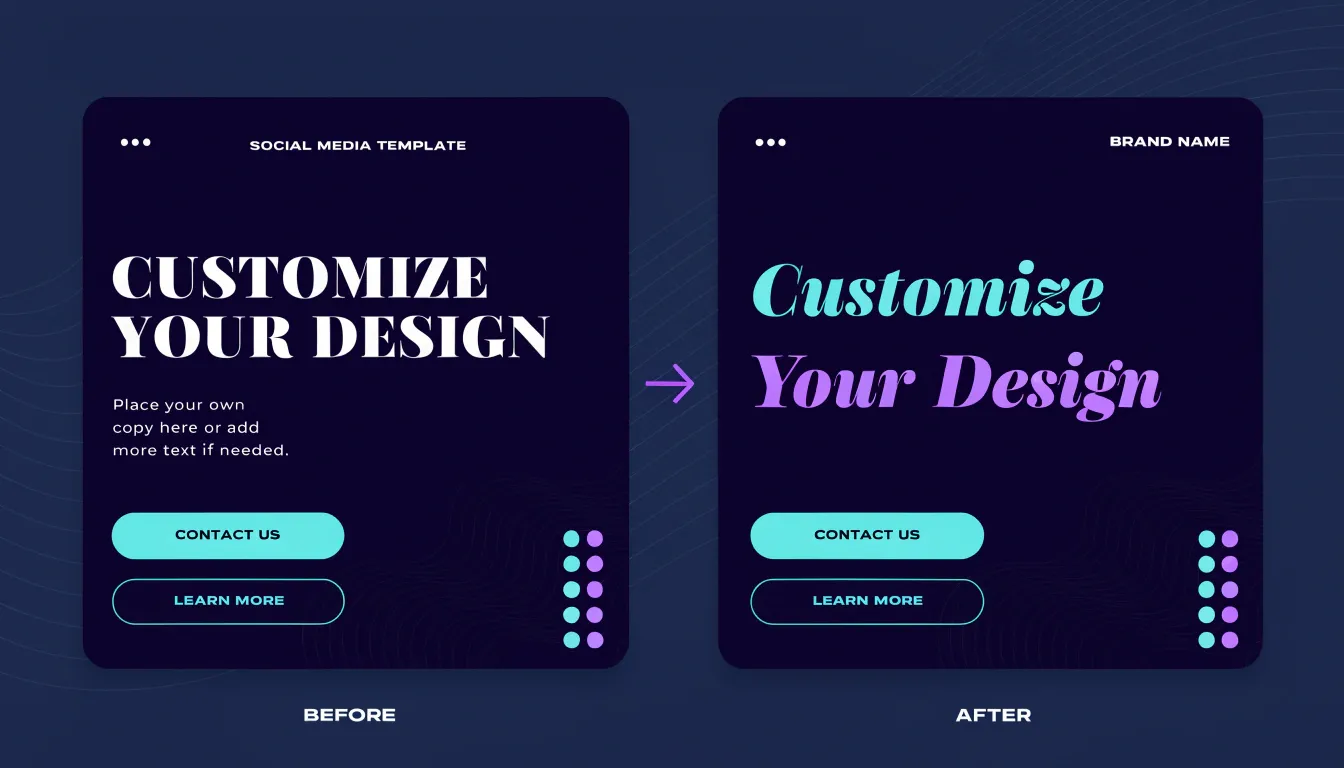
One of the most popular ways to make money from Canva is by creating and selling ready-made templates. This business model offers excellent passive income potential once you've built a catalog of designs.
How it works: You design templates for common needs social media posts, resumes, presentations, invitations, business cards, and more then sell them on platforms like Etsy, Creative Market, or your own website. Customers purchase your templates, customize them with their own information, and you earn money without additional work.
Getting started:
- Research trending template categories on Etsy by searching for "Canva templates" to identify profitable niches.
- Create high-quality, professionally designed templates that solve specific problems.
- Develop template bundles (10-20 related designs) to increase perceived value.
- Write compelling product descriptions with relevant keywords.
- Price templates between $5-30 depending on complexity and bundle size.
Pro tip: Focus on evergreen niches like wedding invitations, real estate marketing materials, or small business branding packages. These categories maintain consistent demand throughout the year. Many sellers report earning $500-3,000 monthly once they've established a solid template library.
2. Offer Canva Freelance Gigs on Fiverr and Upwork
Freelancing is one of the fastest ways to start earning with Canva because you're trading your time and skills for immediate payment. Businesses and individuals constantly need design services but may not have the budget for professional designers using Adobe Creative Suite.
Popular Canva freelance gigs include:
- Social media content creation (Instagram posts, Pinterest pins, Facebook covers).
- Business branding materials (logos, business cards, letterheads).
- Presentation design for businesses and educators.
- eBook covers and lead magnet designs.
- YouTube thumbnails and channel art.
- Event materials (invitations, posters, flyers).
Platform strategies:
Fiverr: Start with competitive pricing ($10-25 per gig) and focus on building reviews. Create multiple gig offerings targeting different niches.
Upwork: Write detailed proposals highlighting how Canva allows you to deliver professional results quickly and affordably.
Freelancer.com: Bid on projects specifically mentioning Canva or requesting quick-turnaround design work.
Success factors: Deliver work quickly (24-48 hours), over deliver on initial orders to secure five-star reviews, and create gig packages (Basic, Standard, Premium) to upsell clients. Experienced Canva freelancers can earn $2,000-5,000 monthly working part-time.

3. Create and Sell Digital Planners and Organizers
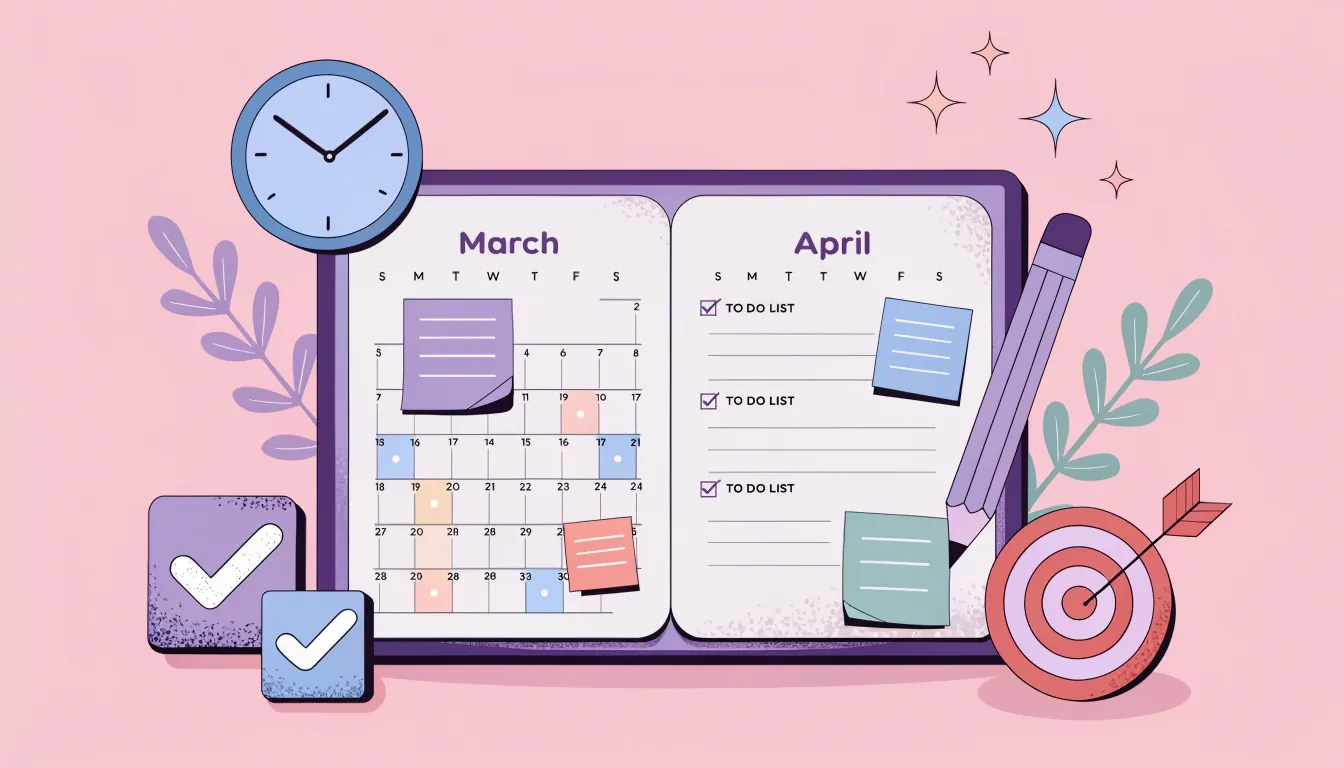
The digital planning market exploded in recent years and shows no signs of slowing down in 2026. People love using digital planners on their tablets and smartphones, creating a lucrative opportunity for Canva creators.
What to create:
- Monthly and weekly digital planners.
- Budget trackers and financial planners.
- Fitness and meal planning journals.
- Goal-setting workbooks.
- Content calendars for social media managers.
- Student study planners.
Where to sell: Etsy remains the dominant marketplace for digital planners, but you can also sell through your own website, Gumroad, or Shopify. Many successful sellers use multiple platforms to maximize reach.
Pricing strategy: Individual planners typically sell for $8-20, while comprehensive planning systems with multiple components can command $30-50 or more.
Marketing approach: Create Pinterest pins showcasing your planner pages, use Instagram to demonstrate how your planners work, and consider creating YouTube tutorials showing the benefits of digital planning. Some creators generate $3,000-10,000 monthly from digital planner sales alone.
4. Start a Canva Design Service for Small Businesses
Many small business owners know they need quality graphics but don't have time to learn design tools or budget for expensive designers. Positioning yourself as a Canva specialist for small businesses creates a recurring income opportunity.
Service offerings:
- Monthly social media content packages (20-30 posts per month)
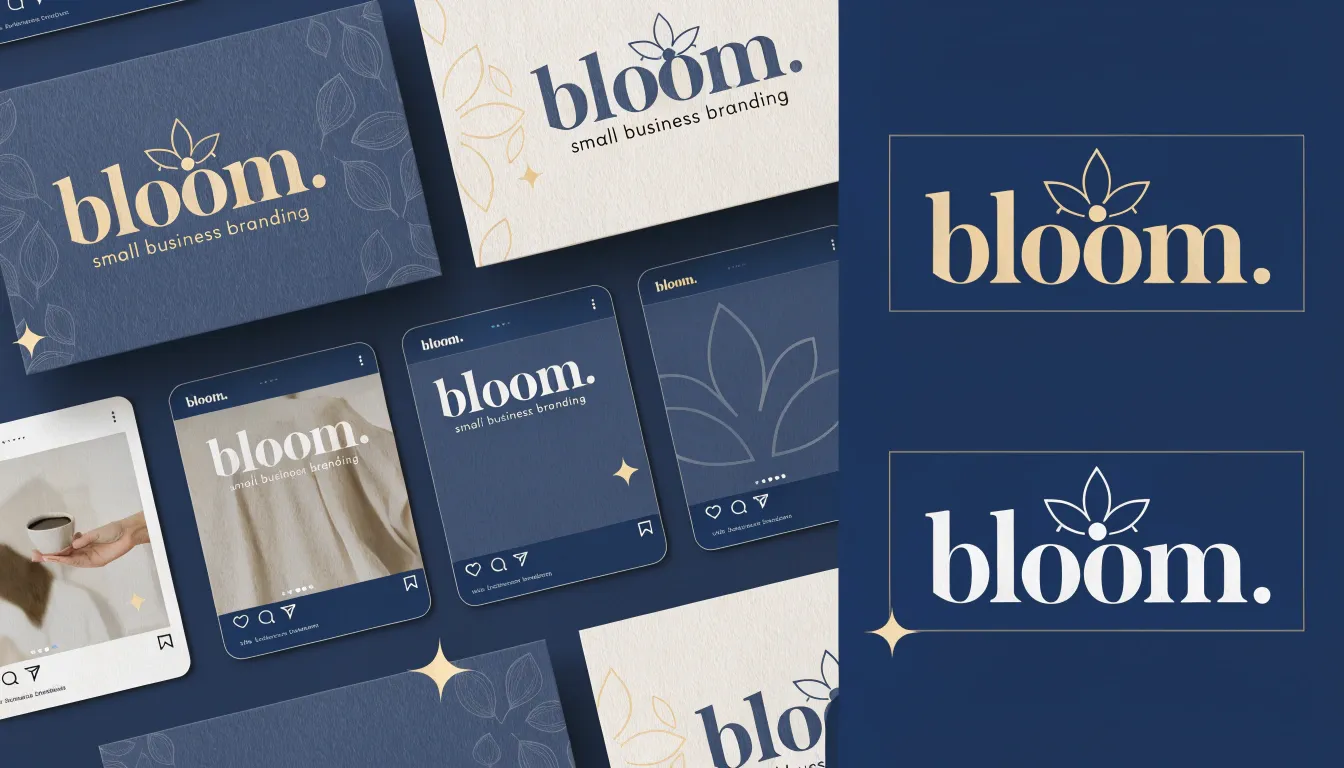
- Complete brand identity kits (logo variations, color palettes, font pairings)
- Marketing material creation (flyers, brochures, promotional graphics)
- Email newsletter design templates
- Website graphics and banners
Business model: Offer retainer packages where clients pay monthly for ongoing design support. For example, charge $300-800 per month for 20 social media posts, 2 marketing graphics, and email template updates.
Client acquisition:
- Reach out to local businesses in your area
- Join Facebook groups where small business owners gather
- Create case studies showing before/after transformations
- Offer a discounted first month to secure new clients
This model provides stable, predictable income. Landing just 5-10 small business clients can generate $2,000-5,000 in monthly recurring revenue.
5. Teach Canva Skills Through Online Courses
If you've mastered Canva and enjoy teaching, creating online courses can generate substantial passive income. The online learning market continues growing, and people are willing to pay for structured, comprehensive training.
Course ideas:
- Canva for Beginners: Complete Design Masterclass.
- How to Start a Canva Template Business.
- Social Media Graphics with Canva.
- Canva for Small Business Owners.
- Advanced Canva Techniques and Tricks.
Platforms to use:
- Teachable or Thinkific: Host your courses on your own branded platform
- Udemy: Tap into their existing marketplace (but expect to split revenue)
- Skillshare: Earn based on minutes watched by premium members
YouTube + paid community: Offer free content with a premium membership option
Pricing: Courses typically range from $50-300 depending on depth and included bonuses. Bundle courses with templates, workbooks, and private community access to justify higher prices.
Marketing: Use free YouTube content to demonstrate your expertise and drive traffic to paid courses. Successful course creators earn $3,000-15,000+ monthly once they've built an audience.

6. Design and Sell Print-on-Demand Products
Prnt-on-demand (POD) allows you to sell physical products without inventory, upfront costs, or shipping hassles. You create designs in Canva, upload them to POD platforms, and earn profits when customers purchase.
Popular POD products:
- T-shirts and apparel
- Mugs and drinkware
- Phone cases
- Tote bags
- Wall art and posters
- Notebooks and journals
- Stickers
Recommended platforms:
- Printful: Integrates with Etsy, Shopify, and other platforms.
- Redbubble: Built-in marketplace with existing traffic.
- Printify: Wide product selection and competitive pricing.
- Merch by Amazon: Access to Amazon's massive customer base.
Design strategy: Focus on niche markets with passionate audiences (dog breeds, hobbies, professions, funny quotes). Research trending topics and create timely designs while also building evergreen collections.
Profitability: Profit margins typically range from $5-20 per item depending on product and pricing. Successful POD sellers create extensive catalogs (100+ designs) and can earn $1,000-8,000 monthly.

7. Offer Canva Template Customization Services
Not everyone wants to customize templates themselves. Many people purchase templates but then need help personalizing them with their branding, content, and specific requirements.
Service description: You work with clients who have purchased templates (yours or others') and customize them completely. This includes adding their logo, adjusting colors to match their brand, inserting their content, and making any structural modifications.
Where to offer this:
- Create a Fiverr gig specifically for template customization.
- Offer it as an add-on service when selling your own templates.
- List it on your website as a standalone service.
- Promote it in Facebook groups for entrepreneurs.
Pricing: Charge $25-100 per template customization depending on complexity. A simple color and text change might be $25, while a complete overhaul could be $75-100.
Time efficiency: Most customizations take 30-60 minutes, making this an excellent hourly rate. You can complete several per day for consistent daily income.
8. Create Content for Social Media Management Agencies
Social media management agencies constantly need fresh, engaging content for their clients. Positioning yourself as a Canva content creator for agencies can provide steady, high-volume work.
What agencies need:
- Batch creation of social media posts (50-100+ per month).
- Consistent branding across multiple client accounts.
- Quick turnaround times.
- Industry-specific content (real estate, fitness, restaurants, etc.).
How to connect with agencies:
- Search LinkedIn for social media management companies.
- Join Facebook groups for agency owners.
- Create a portfolio showcasing your ability to maintain brand consistency.
- Offer competitive rates for bulk orders.
Pricing model: Agencies often work on volume, so price per post decreases with quantity. Charge $3-5 per graphic for orders of 50+ posts. Landing one agency client producing 200 posts monthly at $4 each generates $800 in reliable monthly income.
9. Sell Canva Education Materials to Teachers and Educators
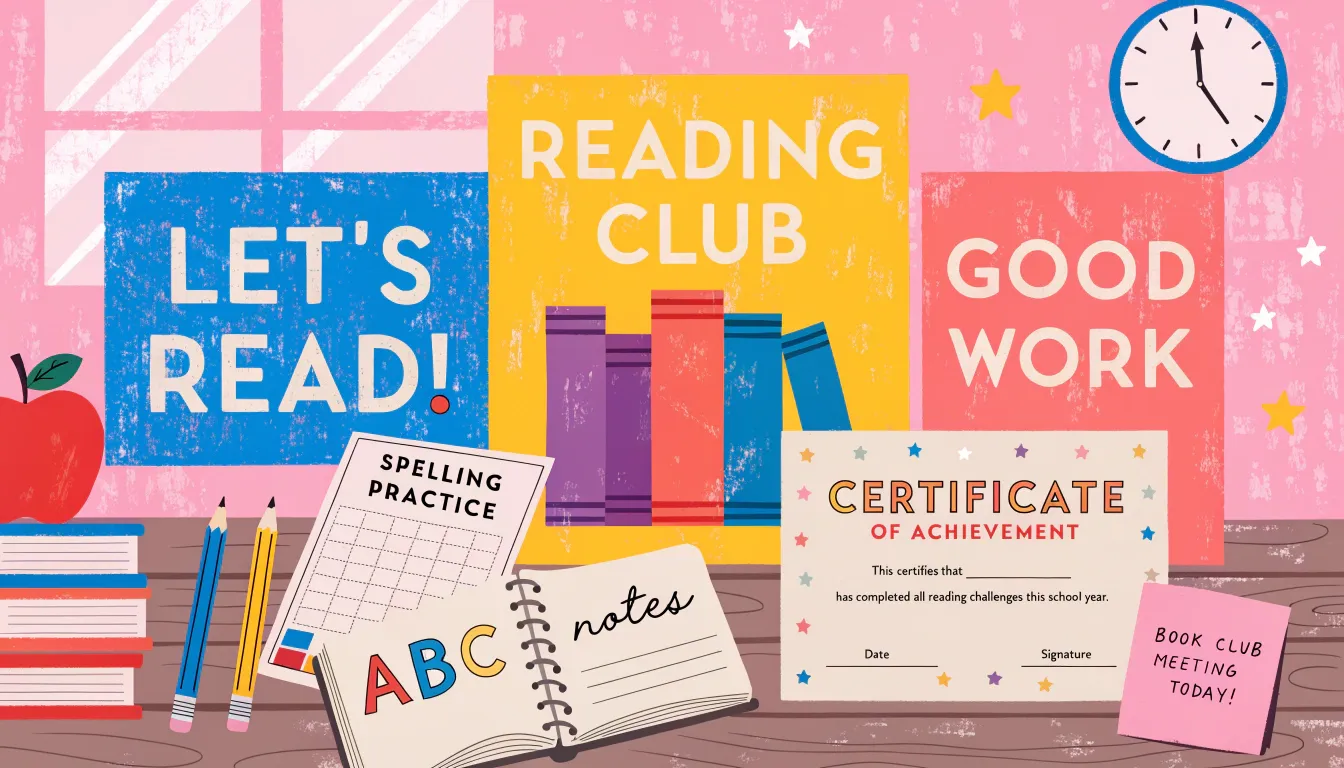
The education market offers enormous potential for Canva creators. Teachers constantly search for professionally designed materials to enhance their classrooms and online learning environments.
Products teachers need:
- Classroom posters and decoration materials.
- Educational worksheets and activities.
- Certificate templates.
- Classroom management tools.
- Parent communication templates.
- Lesson plan templates.
- Virtual classroom backgrounds.
Where to sell:
- Teachers Pay Teachers (the largest educational marketplace).
- Etsy (strong education category).
- Your own website targeting teachers.
- Facebook groups for educators.
Pricing: Educational materials typically range from $3-15 for individual items and $15-40 for comprehensive bundles.
Marketing tip: Create free resources to build your audience, then promote your premium products to that engaged community. Teachers who find value in your free materials readily purchase your paid offerings.
10. Design Lead Magnets and Digital Products for Coaches
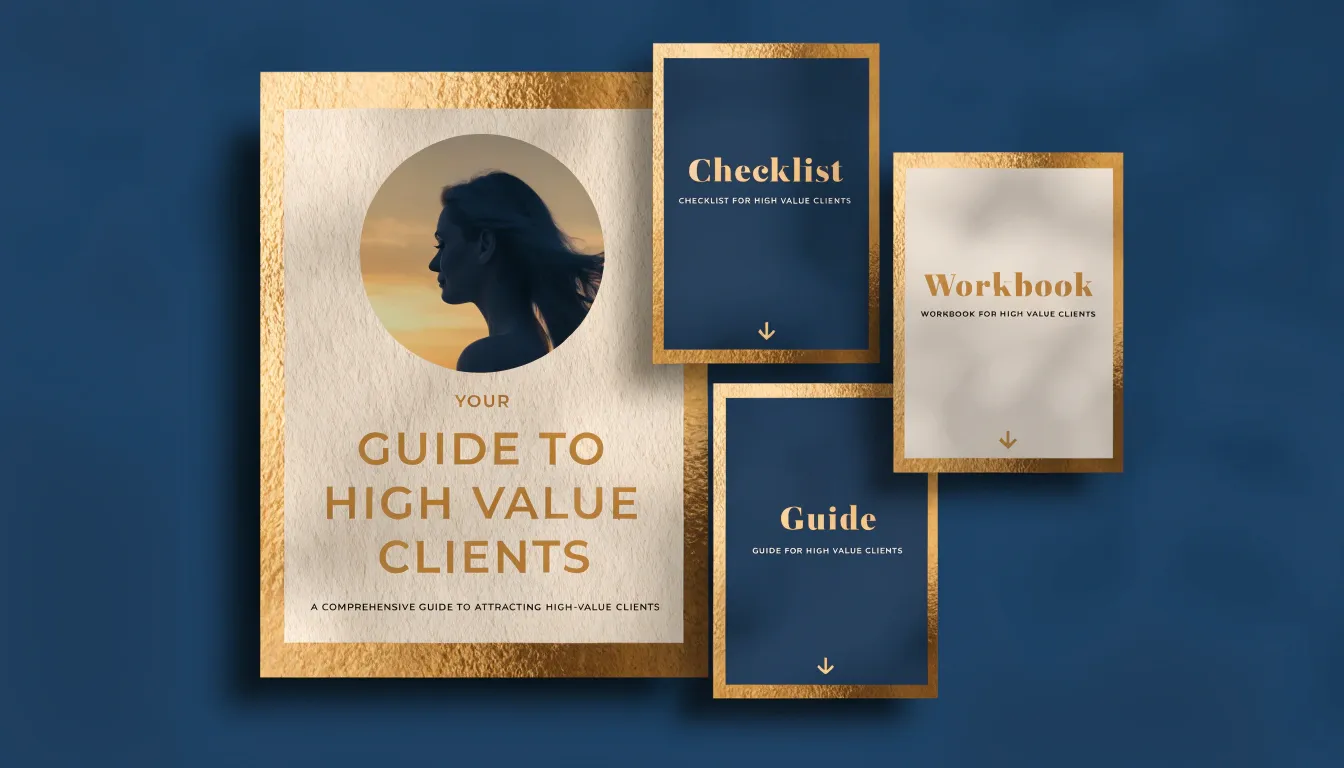
Online coaches, consultants, and course creators need professional lead magnets to grow their email lists. These digital freebies are crucial for their marketing funnels, creating steady demand.
Popular lead magnet types:
- eBooks and guides.
- Checklists and cheat sheets.
- Workbooks and worksheets.
- Challenge templates.
- Resource libraries.
- Assessment tools.
Client acquisition strategy:
- Network in Facebook groups for coaches
- Offer done-for-you lead magnet creation as a premium service ($150-500 per project)
- Create template collections coaches can purchase and customize themselves
- Partner with course creation platforms to reach their users
Why this works: Coaches understand the value of professional design in their marketing and are willing to invest. They also typically need multiple lead magnets for different audience segments, creating opportunities for ongoing work.
11. Become a Canva Brand Ambassador or Affiliate
While not a traditional income method, promoting Canva through their affiliate program can provide supplementary income, especially if you're already creating content about design.
How it works: You earn commission when people sign up for Canva Pro through your affiliate link. Canva offers competitive commission rates for both new subscriptions and renewals.
Best practices:
- Create YouTube tutorials showing Canva features.
- Write blog posts comparing Canva to other design tools.
- Share Canva tips on social media with your affiliate link.
- Include your affiliate link in course materials or template instructions.
Income potential: While this shouldn't be your primary income source, consistent content creation can generate $100-1,000+ monthly in passive affiliate income.
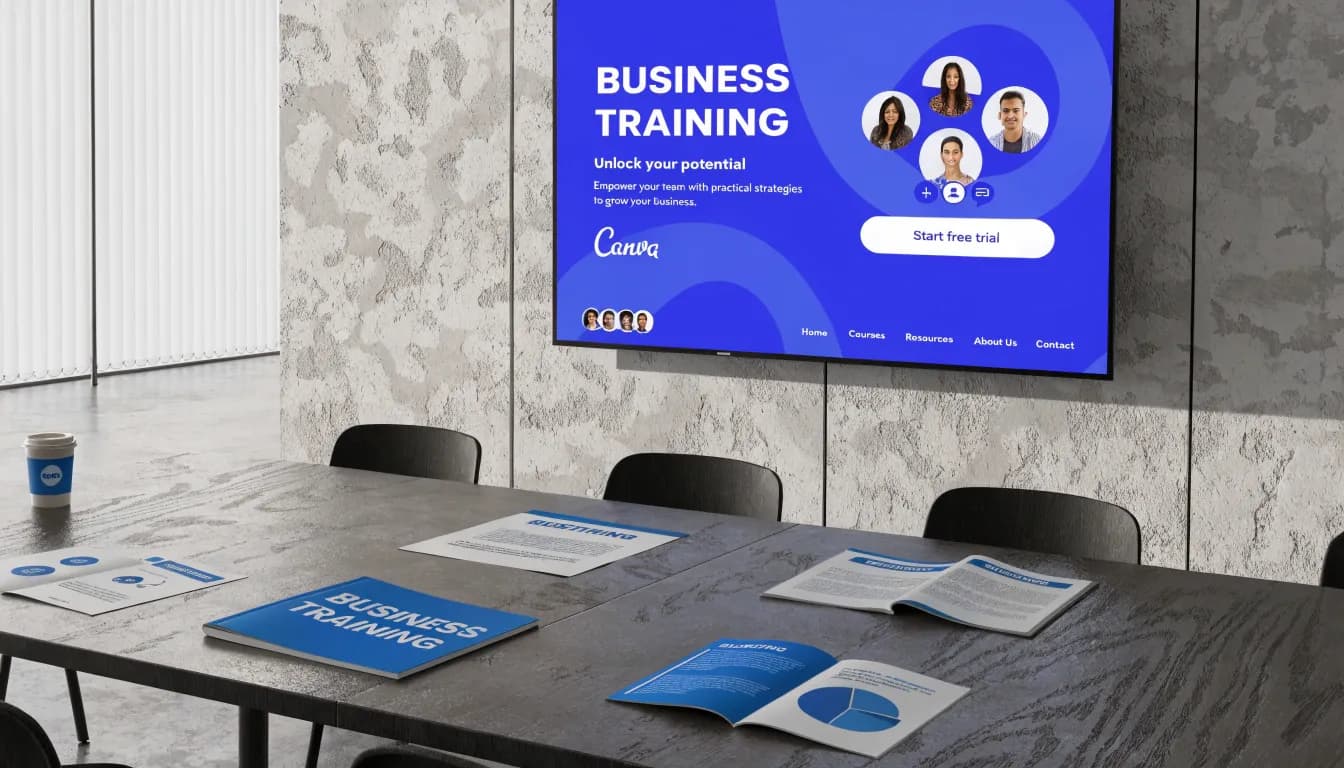
12. Provide Canva Training for Corporate Teams
Many companies want to empower their teams to create marketing materials in-house rather than outsourcing everything. Corporate training offers premium pricing opportunities.
Training formats:
- One-time workshops (2-4 hours): $500-2,000
- Multi-session training programs: $2,000-5,000
- Ongoing consultation retainers: $1,000-3,000 monthly
- Custom template libraries for companies: $1,500-5,000
Target industries:
- Real estate agencies.
- Insurance companies.
- Non-profit organizations.
- Marketing departments.
- Small business associations.
How to land corporate clients:
- Create a professional website showcasing your training services.
- Reach out directly to company marketing directors on LinkedIn.
- Offer free webinars to demonstrate your teaching ability.
- Ask existing clients for referrals and testimonials.
Even landing 2-3 corporate training clients per quarter can generate significant income while establishing you as a Canva expert.

13. Create and Monetize a Canva-Focused YouTube Channel or Blog
Building an audience around Canva tutorials and tips creates multiple monetization opportunities simultaneously.
Content ideas:
- Step-by-step design tutorials
- Canva hacks and hidden features
- Template creation process videos
- Design trend discussions
- Tool comparisons and reviews
Monetization strategies:
- YouTube ad revenue.
- Affiliate commissions (Canva Pro, design resources).
- Sponsored content from design-related companies.
- Selling your own templates and courses.
- Consulting and coaching services.
Growth timeline: Building a substantial audience takes 6-12 months of consistent content creation, but successful channels generate $2,000-10,000+ monthly from multiple income streams.
Content strategy: Focus on searchable topics (how-to tutorials) that provide evergreen value and continue attracting views long after publication.

Tips for Success: Maximizing Your Canva Income Potential
Regardless of which methods you choose to make money on Canva, these strategies will accelerate your success:
Master Canva thoroughly: Invest time learning advanced features, keyboard shortcuts, and design principles. The more skilled you become, the faster you work and the better your results.
Build a portfolio: Create a website or social media presence showcasing your best work. Potential clients and customers want to see your capabilities before purchasing or hiring you.
Focus on niches: Rather than being a generalist, specialize in specific industries or design types. Becoming the "go-to Canva expert for real estate agents" or "the best Instagram template designer" commands premium pricing.
Deliver exceptional value: Whether selling templates or offering services, exceed expectations. Happy customers leave reviews, refer others, and become repeat buyers.
Automate and systematize: Create design systems, template libraries, and standardized processes so you're not starting from scratch each time. This dramatically increases your earning potential per hour.
Stay current with trends: Design trends evolve, and what sold well last year may feel dated now. Follow design blogs, study successful creators, and continuously refresh your offerings.
Price confidently: Don't undervalue your work. Research what others charge and price your services or products competitively while recognizing the value you provide.
Diversify income streams: Combine multiple methods from this guide rather than relying on one. Sell templates while also taking freelance projects and building passive income through courses.
Common Mistakes to Avoid When Trying to Earn from Canva
Learning from others' mistakes can save you time and frustration:
Mistake 1: Using Canva's stock elements inappropriately: When selling templates or designs, understand licensing restrictions. Some Canva Pro elements require proper licensing for commercial use.
Mistake 2: Copying popular designs: While inspiration is fine, directly copying successful templates can result in copyright issues and damaged reputation. Always create original work.
Mistake 3: Neglecting marketing: Creating excellent products isn't enough. You must actively promote your offerings through social media, SEO, Pinterest, and other channels.
Mistake 4: Inconsistent effort: Building any income stream takes sustained effort. Uploading five templates then abandoning your shop won't generate results. Consistency is crucial.
Mistake 5: Ignoring customer feedback: Pay attention to reviews, questions, and complaints. This feedback is gold for improving your offerings and customer satisfaction.
Mistake 6: Overwhelming yourself: Don't try to pursue all 13 methods simultaneously. Start with 1-2 that align with your skills and interests, then expand after achieving success.
Getting Started: Your Action Plan for Making Money with Canva
Ready to start your journey to earn money using Canva? Follow this action plan:
Week 1: Choose your path
- Review the 13 methods in this guide.
- Select 1-2 that match your skills, interests, and available time.
- Research competitors in your chosen area.
- Set specific income goals (e.g., "$500 in the first month").
Week 2: Develop your skills and create initial offerings
- Complete tutorials to strengthen your Canva abilities.
- Create your first 5-10 templates or prepare your service offerings.
- Set up accounts on relevant platforms (Etsy, Fiverr, etc.).
- Create basic branding for your business.
Week 3: Launch and promote
- List your templates or services.
- Share your offerings on social media.
- Join relevant Facebook groups and introduce yourself.
- Consider running small paid ads to test the market.
Week 4: Optimize and scale
- Analyze what's working and what isn't.
- Gather customer feedback.
- Create additional offerings based on demand.
- Refine your marketing approach.
Ongoing: Commit to consistent action. Successful Canva entrepreneurs didn't achieve results overnight. Set aside dedicated time each week for creating new products, marketing, and improving your craft.
Conclusion: Start Your Canva Monetization Journey Today
The question isn't whether you can make money with Canva in 2026 countless creators are proving it's possible every day. The real question is: which approach will you choose?
-
From selling Canva templates on Etsy to offering Canva freelance gigs, from teaching others to designing for businesses, the opportunities are diverse and accessible. You don't need expensive software, a design degree, or years of experience to get started. You simply need Canva, creativity, and commitment.
-
The beauty of learning how to make money using Canva is that you can start small, test different approaches, and scale what works. Your first template sale, freelance client, or course student might seem small, but each represents the beginning of something bigger.
-
Many successful Canva entrepreneurs started exactly where you are now—curious, perhaps skeptical, but willing to try. The ones who succeeded were those who took action, learned from their mistakes, and persisted through the inevitable challenges.
-
So whether you're looking to replace your full-time income, create a meaningful side hustle, or simply earn some extra money each month, Canva provides the tools you need to make it happen. The only question remaining is: when will you start?
-
Choose one method from this guide, commit to 30 days of focused effort, and see what's possible. Your Canva monetization journey begins today. The designs you create, the value you provide, and the income you generate are all waiting on the other side of that first step.
-
Start now, stay consistent, and watch how Canva transforms from a design tool into your income-generating asset in 2026 and beyond.